
how do I make an object fade in and out after another object in Hyperpad?
-
in a mobile game that l've been making I have managed to do a Splash Screen where an object fades in and out after being shown for a few seconds, I even made a piece of text to be shown after said object but can't get it to fade in and out after an object had already been shown.
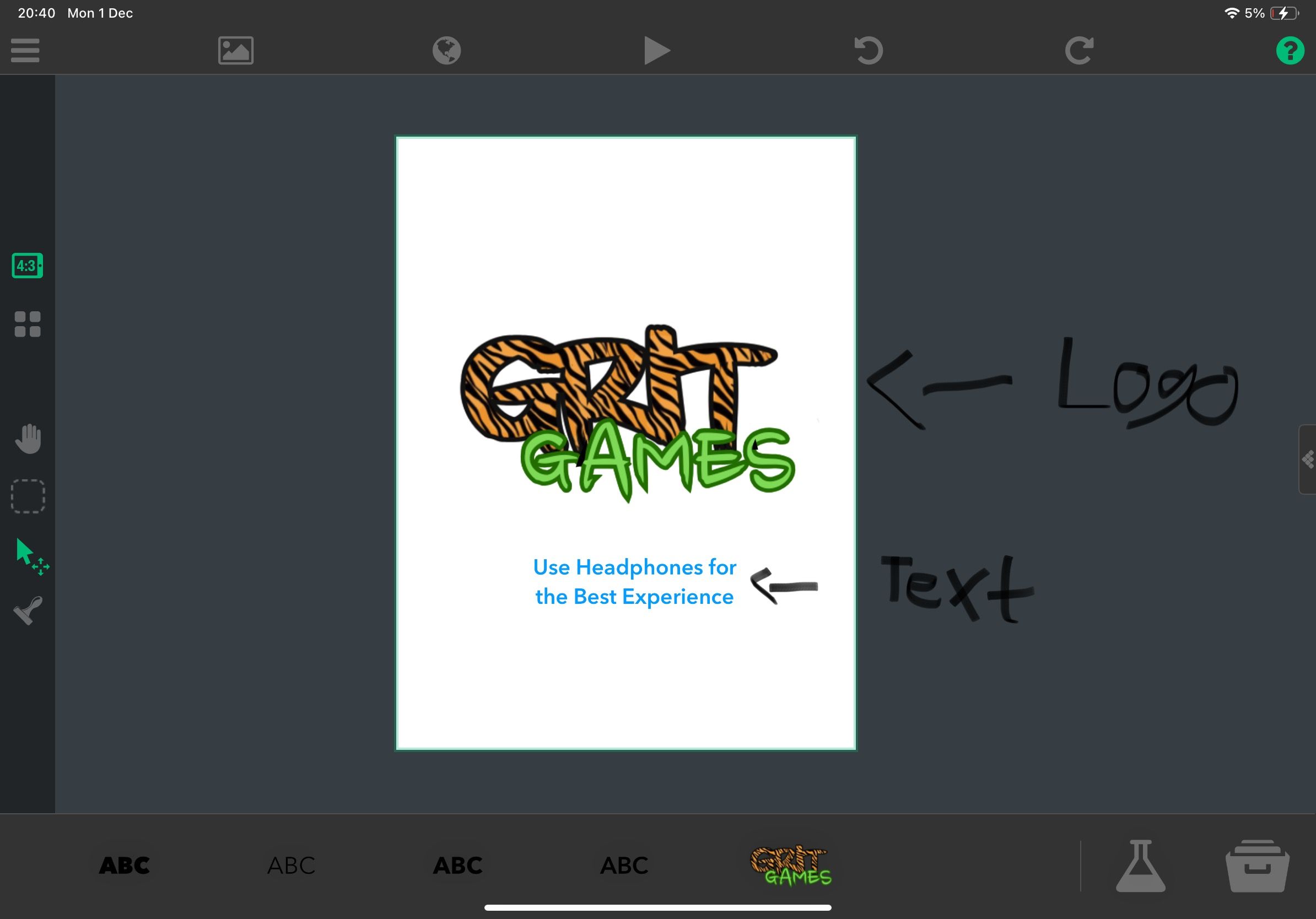
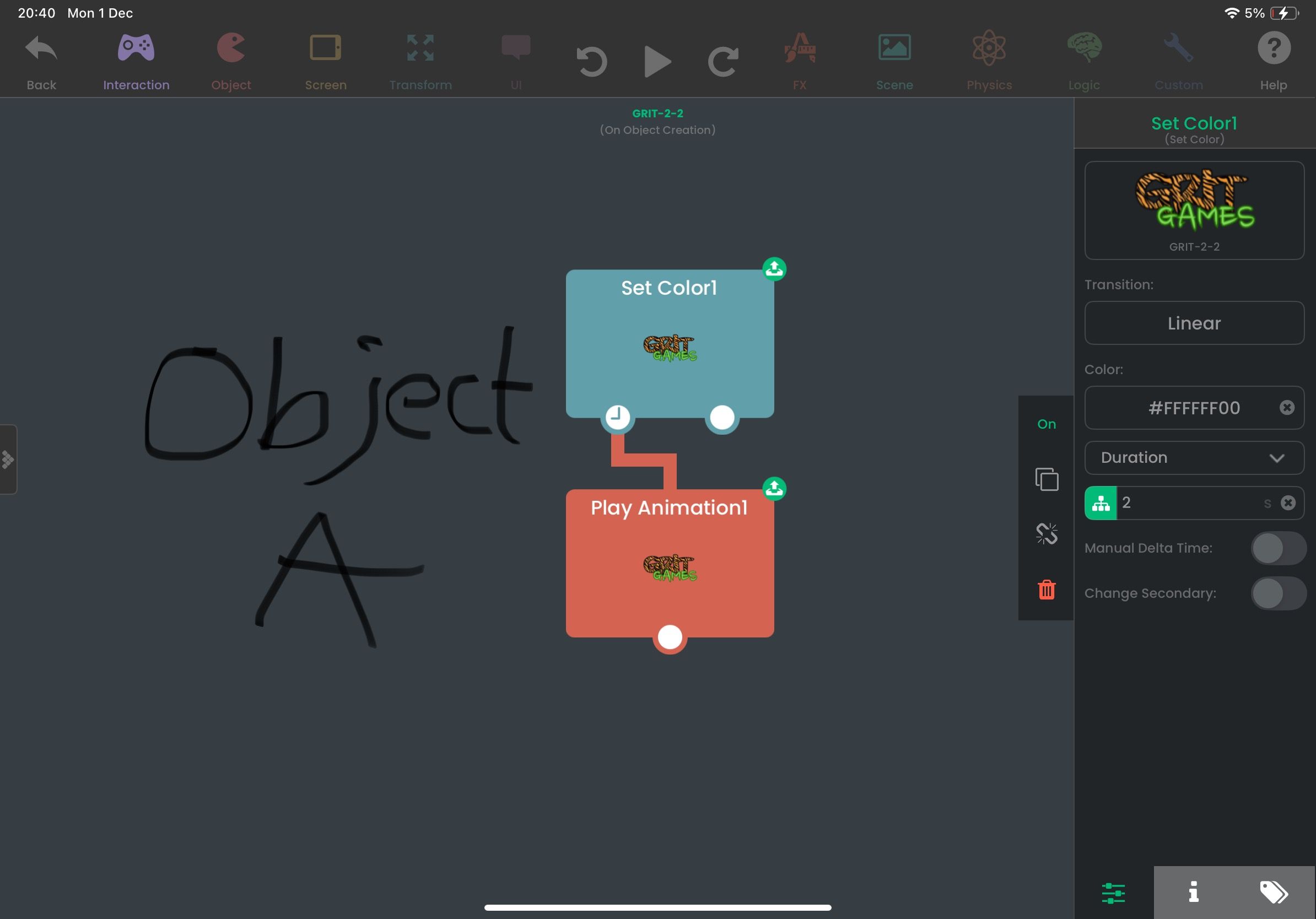
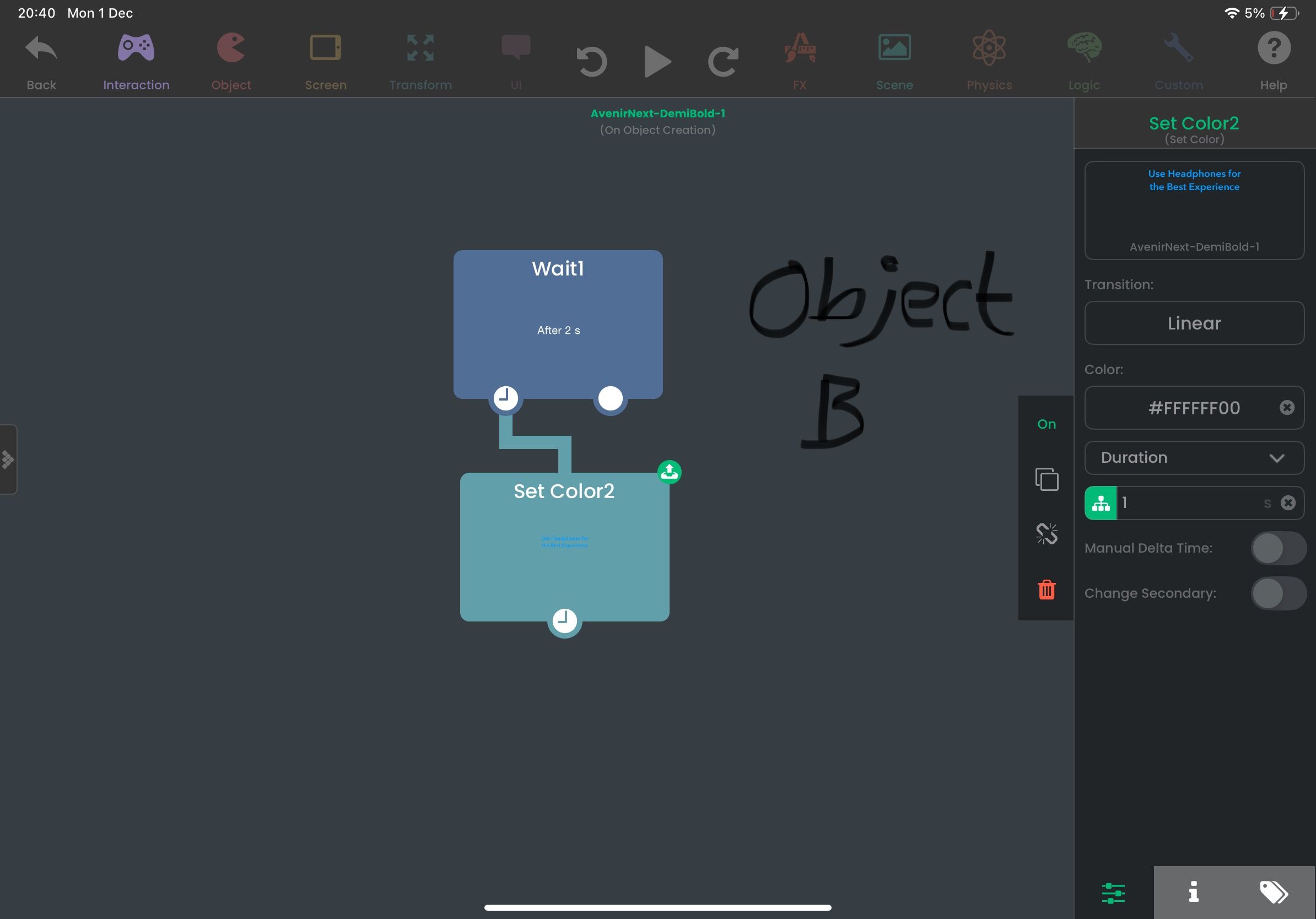
Is there anyway I can get a piece of text to be shown for a few seconds after the first object and then make it fade out after?
-
in a mobile game that l've been making I have managed to do a Splash Screen where an object fades in and out after being shown for a few seconds, I even made a piece of text to be shown after said object but can't get it to fade in and out after an object had already been shown.
Is there anyway I can get a piece of text to be shown for a few seconds after the first object and then make it fade out after?
-
So you want the text to fade in after the logo fades out?
Your current behaviour looks like it should work. It waits 2 seconds, then makes the colour transparent.
Is that not happening for you?
@Murtaza Yes, I am doing this because I wanted to make a splash screen/game startup intro that place see when they startup the mobile game (you know the start-ups featuring the company’s logo but you get a glimpse of before it boots up your game) hence why I’m asking for a bit of help.
I have tried doing just that but however the text doesn’t fade in and out after the logo and instead both the text and the logo both fade out at the same time.
Is there anyway I could fix that?
-
@Murtaza Yes, I am doing this because I wanted to make a splash screen/game startup intro that place see when they startup the mobile game (you know the start-ups featuring the company’s logo but you get a glimpse of before it boots up your game) hence why I’m asking for a bit of help.
I have tried doing just that but however the text doesn’t fade in and out after the logo and instead both the text and the logo both fade out at the same time.
Is there anyway I could fix that?
-
@Ethan-D
It's because your set colour for both are the same duration. You need to connect your wait to the end of set colour 1, or play animation.This will then execute your wait behaviour AFTER those behaviours have completed.

Hello! It looks like you're interested in this conversation, but you don't have an account yet.
Getting fed up of having to scroll through the same posts each visit? When you register for an account, you'll always come back to exactly where you were before, and choose to be notified of new replies (either via email, or push notification). You'll also be able to save bookmarks and upvote posts to show your appreciation to other community members.
With your input, this post could be even better 💗
Register Login