Skip to content
  • Categories
  • Recent
  • Tags
  • Popular
  • Users
  • Search
Skins
  • Light
  • Brite
  • Cerulean
  • Cosmo
  • Flatly
  • Journal
  • Litera
  • Lumen
  • Lux
  • Materia
  • Minty
  • Morph
  • Pulse
  • Sandstone
  • Simplex
  • Sketchy
  • Spacelab
  • United
  • Yeti
  • Zephyr
  • Dark
  • Cyborg
  • Darkly
  • Quartz
  • Slate
  • Solar
  • Superhero
  • Vapor

  • Default (No Skin)
  • No Skin
Collapse
hyperPad

hyperPad Forum

  1. Home
  2. WIP and Showcase
  3. Redesigned levels

Redesigned levels

Scheduled Pinned Locked Moved WIP and Showcase
15 Posts 4 Posters 3.7k Views 1 Watching
  • Oldest to Newest
  • Newest to Oldest
  • Most Votes
Reply
  • Reply as topic
Log in to reply
This topic has been deleted. Only users with topic management privileges can see it.
  • Aidan_FireA Offline
    Aidan_FireA Offline
    Aidan_Fire
    wrote on last edited by
    #2

    Look interesting, I really hope you can somehow figure out how to fix the lag as well, 30 FPS on an iPad Air is not good.

    DGames135D 1 Reply Last reply
    0
    • Aidan_FireA Aidan_Fire

      Look interesting, I really hope you can somehow figure out how to fix the lag as well, 30 FPS on an iPad Air is not good.

      DGames135D Offline
      DGames135D Offline
      DGames135
      wrote on last edited by
      #3

      @Aidan-Oxley that's one of the main focus of this update. I'm trying to put all levels into one and using layers and ifs. I'm also adding an option to disable particles to make it better.

      1 Reply Last reply
      1
      • Aidan_FireA Offline
        Aidan_FireA Offline
        Aidan_Fire
        wrote on last edited by
        #4

        Hmm, will hiding the layers work? I feel like all levels in 1 scene might not be good unless any object that isn't apart of the level is actually deleted and spawned. I could probably help in that, using a similar system used in my 3D where it loads a shape (in your case a level) based off a code.

        1 Reply Last reply
        0
        • MurtazaM Offline
          MurtazaM Offline
          Murtaza
          Admin
          wrote on last edited by
          #5

          How big are your graphics? Usually the biggest performance hit I notice with users is they don't take graphic sizes into consideration.

          In most situations, you don't want your graphic to be greater than 512x512 pixels (retina. hyperPad automatically creates a non retina at half the size when you import).
          There are some rare cases where you can go bigger (backgrounds, heavily detailed objects etc).

          Additionally, transparency really affects performance as well. We some times see users have a small graphic with tons of empty space around it. This is really bad. Try to crop your empty space to be as close to your content as possible.

          Other than these, it's usually timers that kill performance. Avoid having a lot of timers with a timer of 0. Usually if your game relies on timers like this, you should try to put everything on a single timer.

          DGames135D 1 Reply Last reply
          0
          • MurtazaM Murtaza

            How big are your graphics? Usually the biggest performance hit I notice with users is they don't take graphic sizes into consideration.

            In most situations, you don't want your graphic to be greater than 512x512 pixels (retina. hyperPad automatically creates a non retina at half the size when you import).
            There are some rare cases where you can go bigger (backgrounds, heavily detailed objects etc).

            Additionally, transparency really affects performance as well. We some times see users have a small graphic with tons of empty space around it. This is really bad. Try to crop your empty space to be as close to your content as possible.

            Other than these, it's usually timers that kill performance. Avoid having a lot of timers with a timer of 0. Usually if your game relies on timers like this, you should try to put everything on a single timer.

            DGames135D Offline
            DGames135D Offline
            DGames135
            wrote on last edited by
            #6

            @Murtaza oh now I know what's wromg my graphics are 2048x2048. How about 1280x1280 cause that's how small my designing app goes

            MurtazaM 1 Reply Last reply
            1
            • DGames135D DGames135

              @Murtaza oh now I know what's wromg my graphics are 2048x2048. How about 1280x1280 cause that's how small my designing app goes

              MurtazaM Offline
              MurtazaM Offline
              Murtaza
              Admin
              wrote on last edited by Murtaza
              #7

              @DGames135
              Still too big in my opinion.

              typically for a mobile game your character should be around 256x256 pixels (retina), and everything else based around that. Objects that are less important, can be small and scaled up in game.
              A fully animated walking sprite sheet is usually 512x512. (4 animations frames for a walk)

              And again, avoid a lot of empty space.

              DGames135D 1 Reply Last reply
              0
              • MurtazaM Murtaza

                @DGames135
                Still too big in my opinion.

                typically for a mobile game your character should be around 256x256 pixels (retina), and everything else based around that. Objects that are less important, can be small and scaled up in game.
                A fully animated walking sprite sheet is usually 512x512. (4 animations frames for a walk)

                And again, avoid a lot of empty space.

                DGames135D Offline
                DGames135D Offline
                DGames135
                wrote on last edited by
                #8

                @Murtaza how else can I resize them as my resizing app eliminates the transparency

                MurtazaM 1 Reply Last reply
                1
                • DGames135D DGames135

                  @Murtaza how else can I resize them as my resizing app eliminates the transparency

                  MurtazaM Offline
                  MurtazaM Offline
                  Murtaza
                  Admin
                  wrote on last edited by
                  #9

                  @DGames135 What are you using to create the graphics, and resize them?

                  Maybe create a help post to see if anyone has some suggestions on tools or apps. There is also a pinned post with a bunch of tools you can check out.

                  1 Reply Last reply
                  0
                  • Aidan_FireA Offline
                    Aidan_FireA Offline
                    Aidan_Fire
                    wrote on last edited by
                    #10

                    Email them to me (aidanfire@hotmail.com) I have photoshop touch I can resize to whatever I want (this app isn't on App Store any more though 😕) unless you find another way

                    DGames135D 1 Reply Last reply
                    0
                    • Aidan_FireA Aidan_Fire

                      Email them to me (aidanfire@hotmail.com) I have photoshop touch I can resize to whatever I want (this app isn't on App Store any more though 😕) unless you find another way

                      DGames135D Offline
                      DGames135D Offline
                      DGames135
                      wrote on last edited by
                      #11

                      @Aidan-Oxley maybe sometime later but thanks. I'm trying 1280 for now. Too many thing need to be done but so little time

                      1 Reply Last reply
                      1
                      • Aidan_FireA Offline
                        Aidan_FireA Offline
                        Aidan_Fire
                        wrote on last edited by
                        #12

                        Ok well email it to me whenever you want to and I'll resize it 😊 it only takes me less than a minute to crop it to absolute minimum size.

                        1 Reply Last reply
                        0
                        • DGames135D DGames135

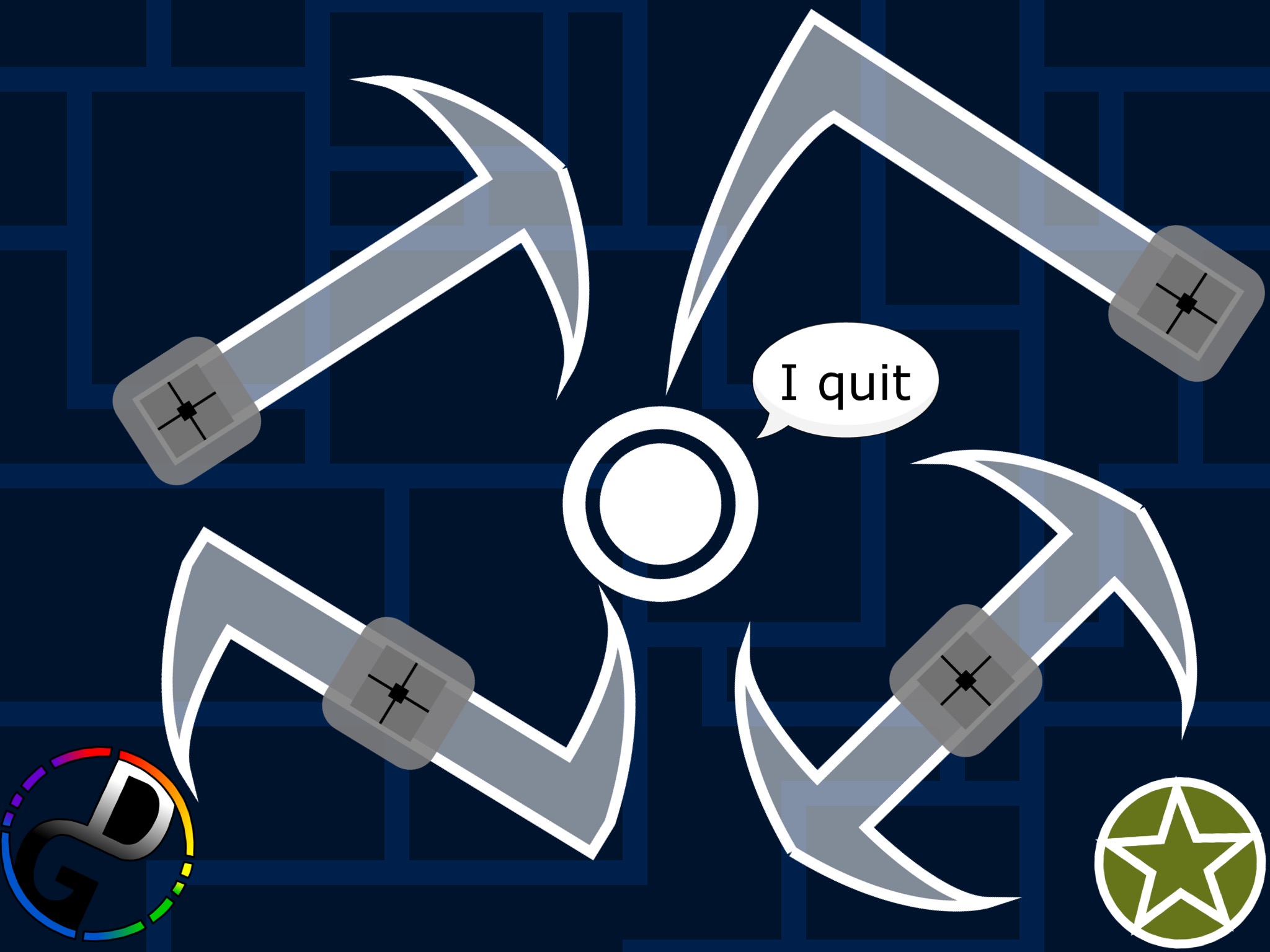
                          So I thought that mad bouncers levels wee boring. Like ral boring so0_1479060656850_IMG_3086.JPG
                          Take some time to soak it in. Tese are what I like to call stage hazards and every stage will have them and all levels will be redesigned. Hopefully I will make changes to physics to make it look like a bounce rather than a teleport.

                          DGames135D Offline
                          DGames135D Offline
                          DGames135
                          wrote on last edited by
                          #13

                          @DGames135 If anyone actually cares I'm done with the new feature and started redesigning levels

                          D 1 Reply Last reply
                          1
                          • DGames135D DGames135

                            @DGames135 If anyone actually cares I'm done with the new feature and started redesigning levels

                            D Offline
                            D Offline
                            Dauicrew
                            wrote on last edited by
                            #14

                            @DGames135 I love this game and everything in it is awesome. What's the next update. Is it a shop feature or something else?


                            DGames135D 1 Reply Last reply
                            0
                            • D Dauicrew

                              @DGames135 I love this game and everything in it is awesome. What's the next update. Is it a shop feature or something else?

                              DGames135D Offline
                              DGames135D Offline
                              DGames135
                              wrote on last edited by
                              #15

                              @Dauicrew First of all thanks. Second of all it's not the shop but here's a small part of the update (it's cropped so people can't guess what it is)0_1481479076216_IMG_3194.JPG
                              Third of all WHY DID YOU UPVOTED LITERALLY ALL MY POSTS. And how do you upvote?

                              1 Reply Last reply
                              0

                              Hello! It looks like you're interested in this conversation, but you don't have an account yet.

                              Getting fed up of having to scroll through the same posts each visit? When you register for an account, you'll always come back to exactly where you were before, and choose to be notified of new replies (either via email, or push notification). You'll also be able to save bookmarks and upvote posts to show your appreciation to other community members.

                              With your input, this post could be even better 💗

                              Register Login
                              Reply
                              • Reply as topic
                              Log in to reply
                              • Oldest to Newest
                              • Newest to Oldest
                              • Most Votes


                              • Login

                              • Login or register to search.
                              • First post
                                Last post
                              0
                              • Categories
                              • Recent
                              • Tags
                              • Popular
                              • Users
                              • Search