
changing scenes
-
-
The way you have it right now, that if behaviour will only activate once when that object spawns (which is probably just the instant your game starts). You need something sitting above the If behaviour, like either every event that actually changes the score, or just stick a timer at the top of it.
-
Also you can make screenshot by touching 'Home' button and on/off button at the same time.
-
I can't seem to figure out how i trigger an event to move to the next scene if my score is equal to what i want it to be. What am i doing wrong? ! both of these photos (empty object)
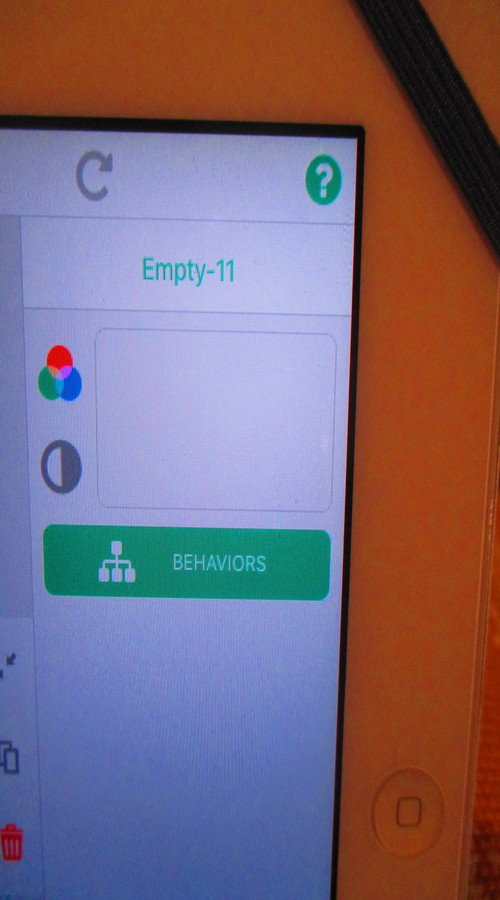 are under the scene layer, should it be the global instead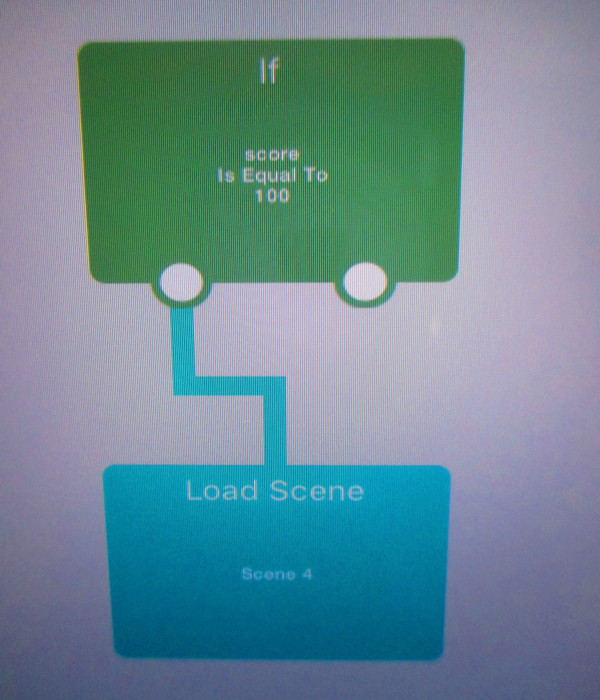
@ackov77 alternatively, every time you change the score, have an execute behaviour with the "if" behaviour selected.
-
O.k., and where should this be placed in my level? As an "Empty" item attached to the scene? Under the "score"?
@ackov77 Wherever you want, wherever it is easier to get the 'score' value.



Hello! It looks like you're interested in this conversation, but you don't have an account yet.
Getting fed up of having to scroll through the same posts each visit? When you register for an account, you'll always come back to exactly where you were before, and choose to be notified of new replies (either via email, or push notification). You'll also be able to save bookmarks and upvote posts to show your appreciation to other community members.
With your input, this post could be even better 💗
Register Login