
O.k., and where should this be placed in my level? As an "Empty" item attached to the scene? Under the "score"?
A
ackov77
@ackov77
Posts
-
changing scenes -
changing scenesI can't seem to figure out how i trigger an event to move to the next scene if my score is equal to what i want it to be. What am i doing wrong? ! both of these photos (empty object)
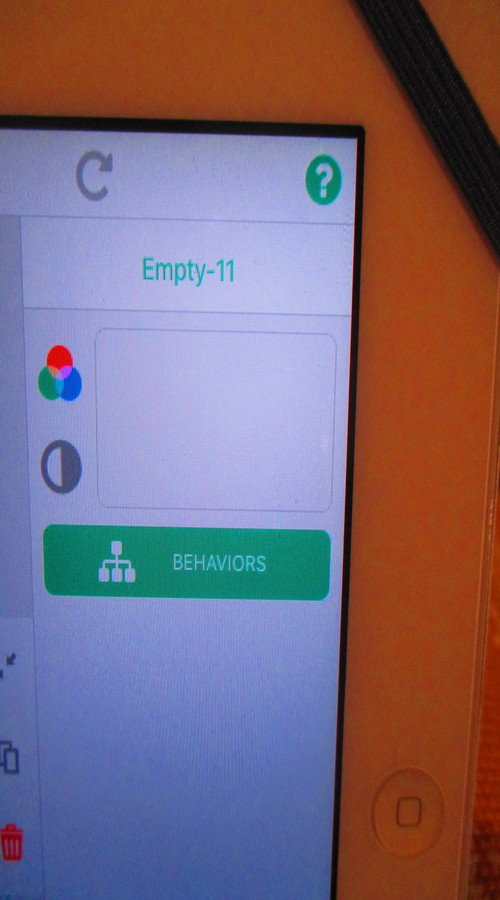 are under the scene layer, should it be the global instead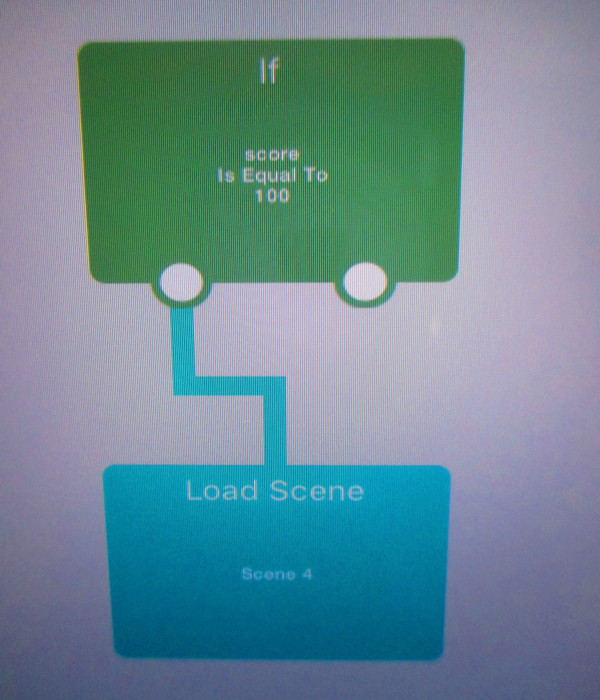
-
Level with me on the "Levels" :)@Murtaza That sounds good, what tab is this event under? Logic?
-
Level with me on the "Levels" :)Awesome! Thanks for your help.
-
Constrain the "Drag and Drop Area" Error ?@John-Liao what solution did you find for this?
-
Level with me on the "Levels" :)Hello,
I cannot recall what i used the set input for off-hand (i am at work) but i will remove that. Thank You.
One more thing.....don't laugh, lol....in my hidden object scene, i want the objects to disappear in the box too once the object is found. How do i make that happen??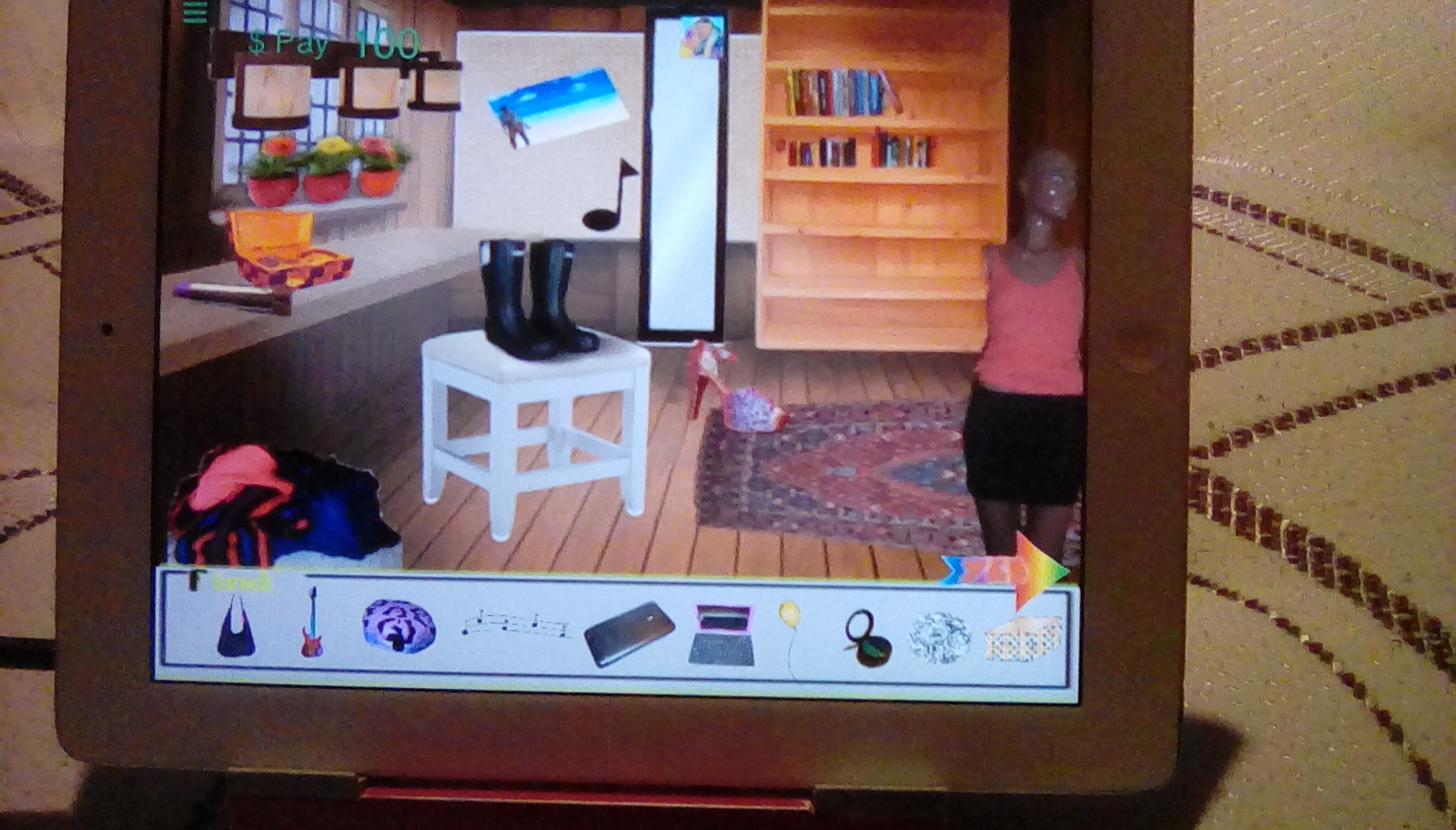
-
Level with me on the "Levels" :) image url) Does it appear i set things up right?
 -
Level with me on the "Levels" :)thank you :)
-
Level with me on the "Levels" :)Hi,
I am trying to build a hidden object game. I have set the scene, added objects, score and sound.
Now, when the score reaches "100" how do you set it up to move to the next scene? Is it something i need to put together under "logic" or "UI"?Also, the music...very easy to get it to play, but how do you get it to stop if you press the screen twice, let's say mute and un-mute action??
Help!
Thanks