
Sprite Import losing transparency even after new update
-
Hello! The new update is very hype, (I understand the name of HyperPad now) but the same issue where I import sprites and they have a black background is still happening to me, despite the new update notes saying that this bug has been fixed.
Importing images as single PNGs work just fine, but making any kind of sprite sheet, by importing animations OR importing a pre-made sprite sheet still causes background transparency to be lost! Please fix!
iPad Model: IPad Pro 13-inch (m4)
iOS version: 18.5
hyperPad Version: 2.1
Description: Transparency lost on sprite sheets
Steps to reproduce: Importing any sprite sheet
Additional info: PNGS import perfectly, but sprite sheets lose transparency for me still -
Hello! The new update is very hype, (I understand the name of HyperPad now) but the same issue where I import sprites and they have a black background is still happening to me, despite the new update notes saying that this bug has been fixed.
Importing images as single PNGs work just fine, but making any kind of sprite sheet, by importing animations OR importing a pre-made sprite sheet still causes background transparency to be lost! Please fix!
iPad Model: IPad Pro 13-inch (m4)
iOS version: 18.5
hyperPad Version: 2.1
Description: Transparency lost on sprite sheets
Steps to reproduce: Importing any sprite sheet
Additional info: PNGS import perfectly, but sprite sheets lose transparency for me still@Kore
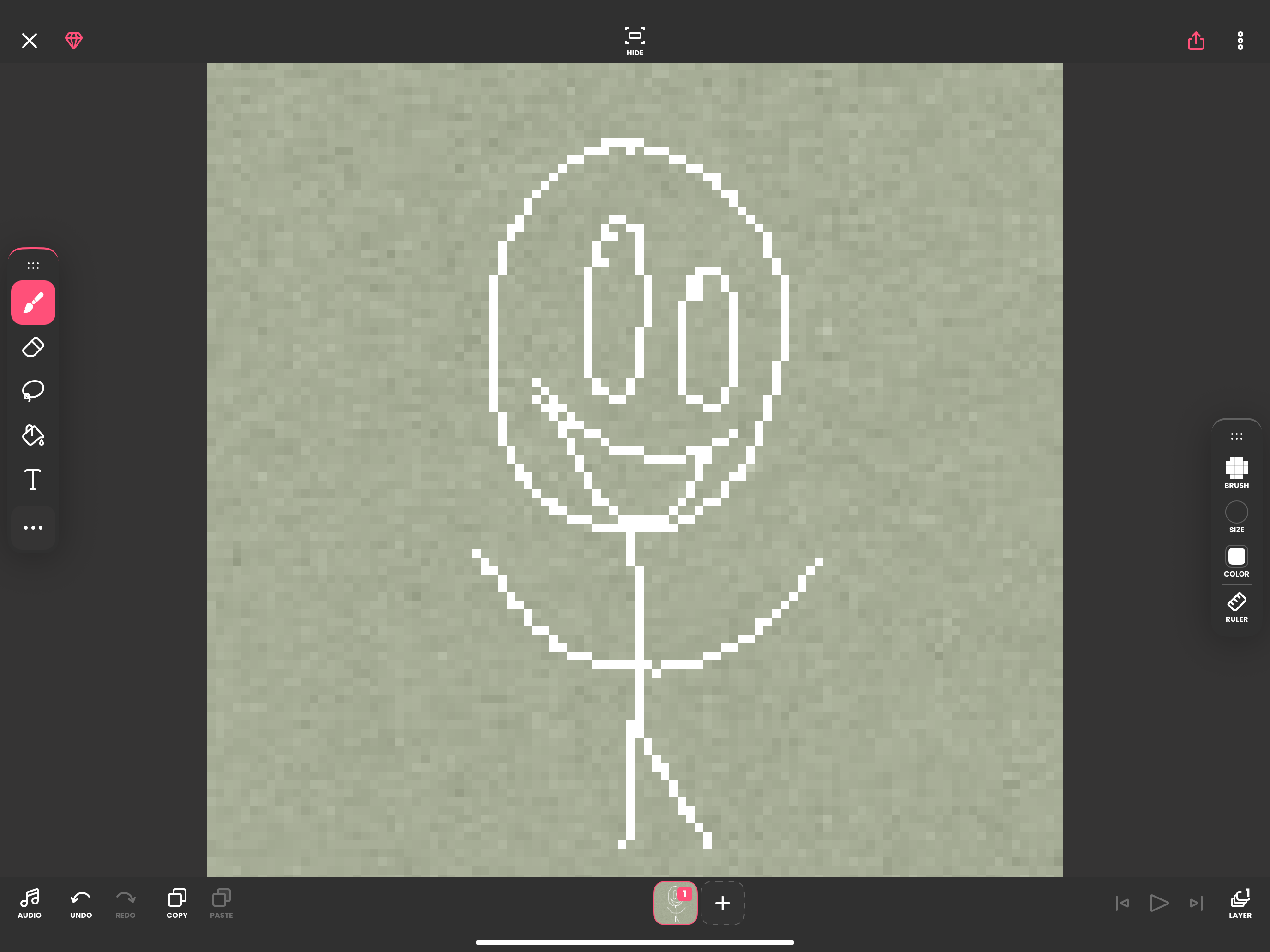
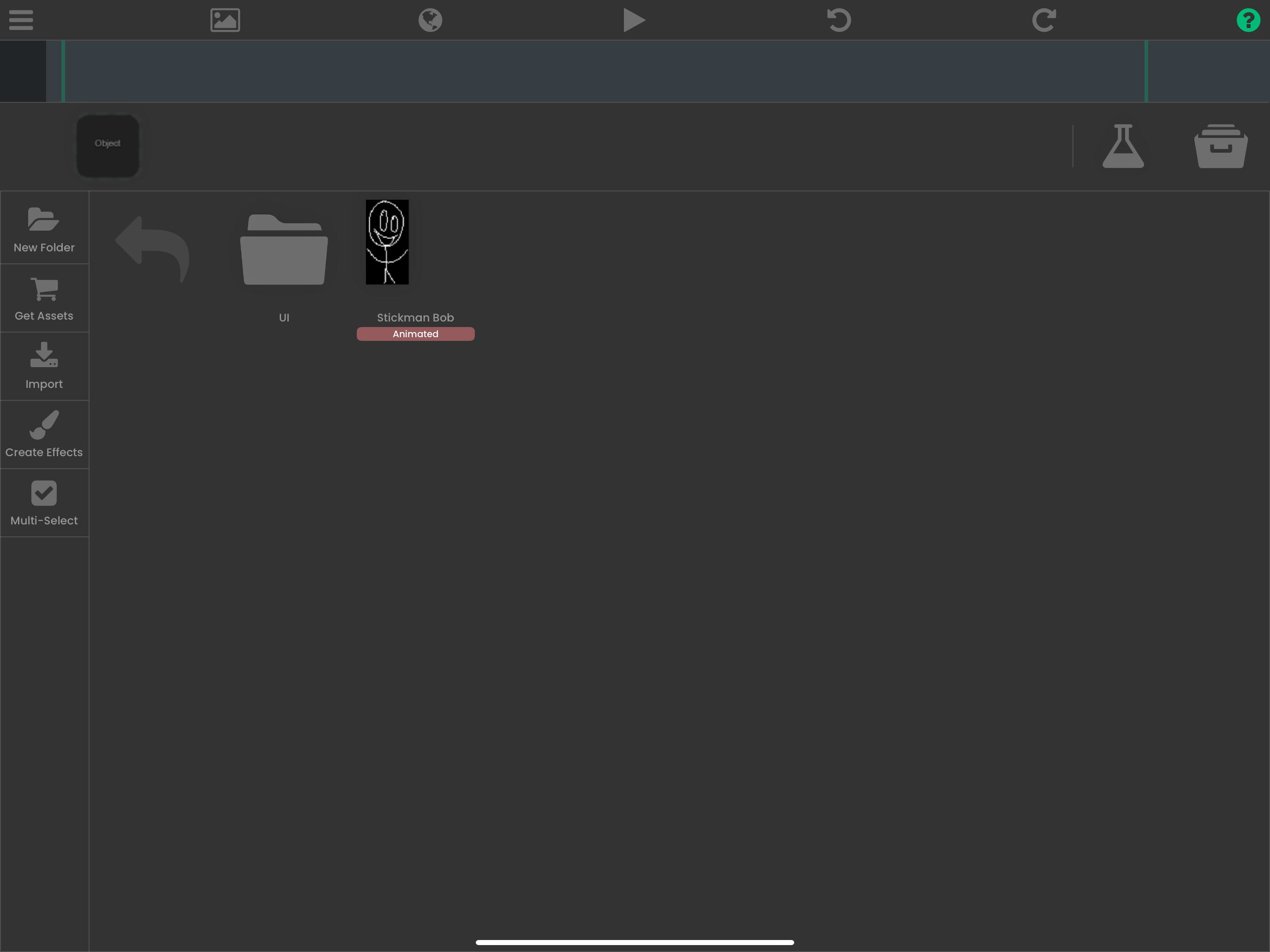
Here’s a quick example I made. I use FlippaClip to draw/animate, then I export it as a PNG sequence. I then import it to HyperPad. This process works perfectly on my older IPad, but on my newer IPad, the sprites suddenly lose transparency, despite me using the same exact methods/graphics/files on both devices.
I’d assume this could be some kind of glitch with the newer IOS or something? My old IPad doesn’t have the latest IOS and it works on there! (Just trying to be helpful)
I love this app and I’d love to use it on my newer IPad, but can’t yet! Please fix!
-
@Kore
Here’s a quick example I made. I use FlippaClip to draw/animate, then I export it as a PNG sequence. I then import it to HyperPad. This process works perfectly on my older IPad, but on my newer IPad, the sprites suddenly lose transparency, despite me using the same exact methods/graphics/files on both devices.
I’d assume this could be some kind of glitch with the newer IOS or something? My old IPad doesn’t have the latest IOS and it works on there! (Just trying to be helpful)
I love this app and I’d love to use it on my newer IPad, but can’t yet! Please fix!
@Kore Sorry for spam, but I updated my old IPad to the new HyperPad version, and this glitch is not happening on there, it’s only happening on my new IPad still
-
@Kore Sorry for spam, but I updated my old IPad to the new HyperPad version, and this glitch is not happening on there, it’s only happening on my new IPad still

Hello! It looks like you're interested in this conversation, but you don't have an account yet.
Getting fed up of having to scroll through the same posts each visit? When you register for an account, you'll always come back to exactly where you were before, and choose to be notified of new replies (either via email, or push notification). You'll also be able to save bookmarks and upvote posts to show your appreciation to other community members.
With your input, this post could be even better 💗
Register Login