
Potential New Features
-
🟠 Potential New Feature — Revamped Else If Behaviors
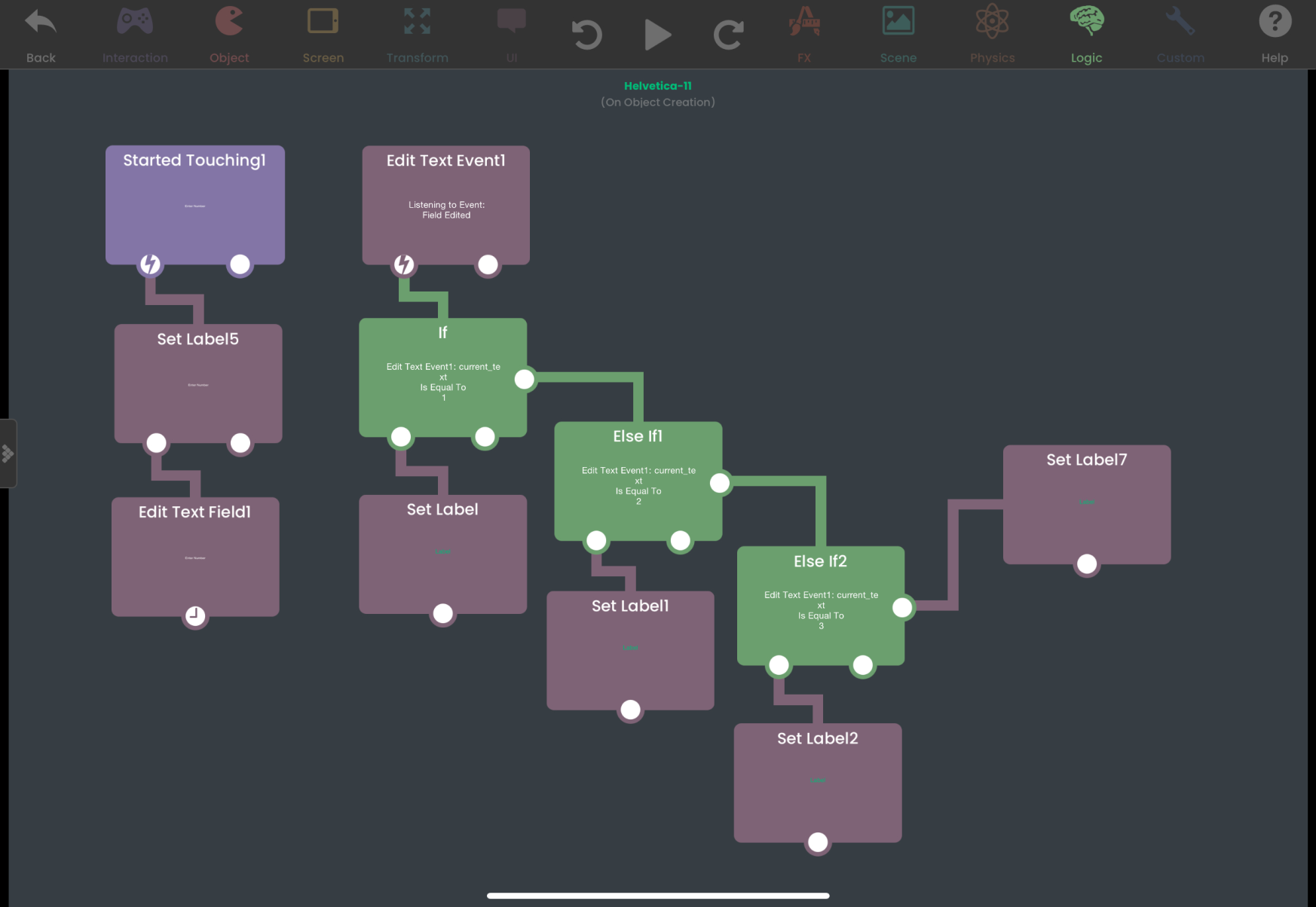
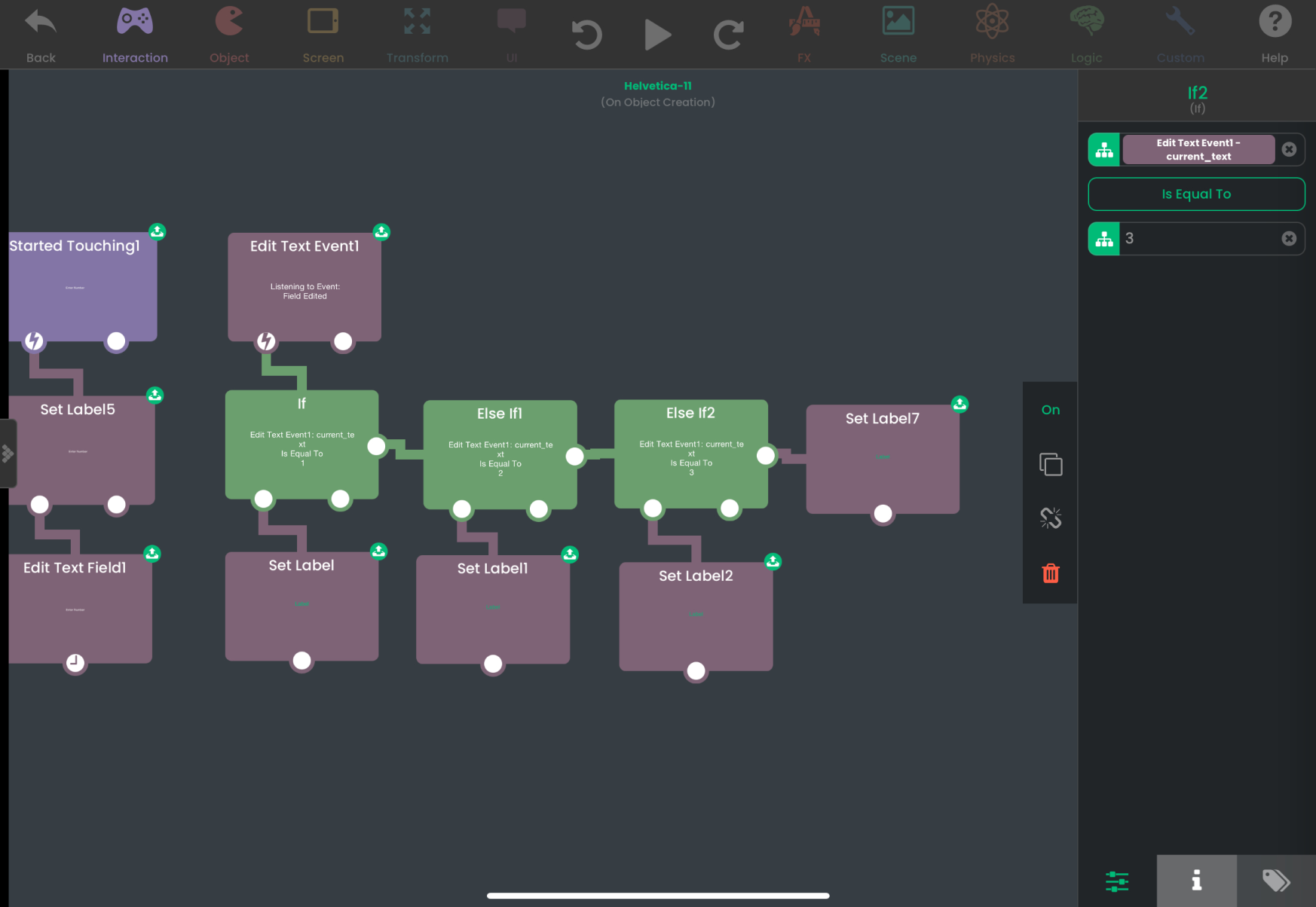
Instead of snapping an If behavior to another one to create an Else If (which can be done accidentally a lot of times), you can simply connect a behavior on the right. If a condition is not met, the behavior on the right will be triggered instead.
-
🟠 Potential New Feature — Revamped Else If Behaviors
Instead of snapping an If behavior to another one to create an Else If (which can be done accidentally a lot of times), you can simply connect a behavior on the right. If a condition is not met, the behavior on the right will be triggered instead.
🟠 Potential New Feature — Analyze Image Behavior
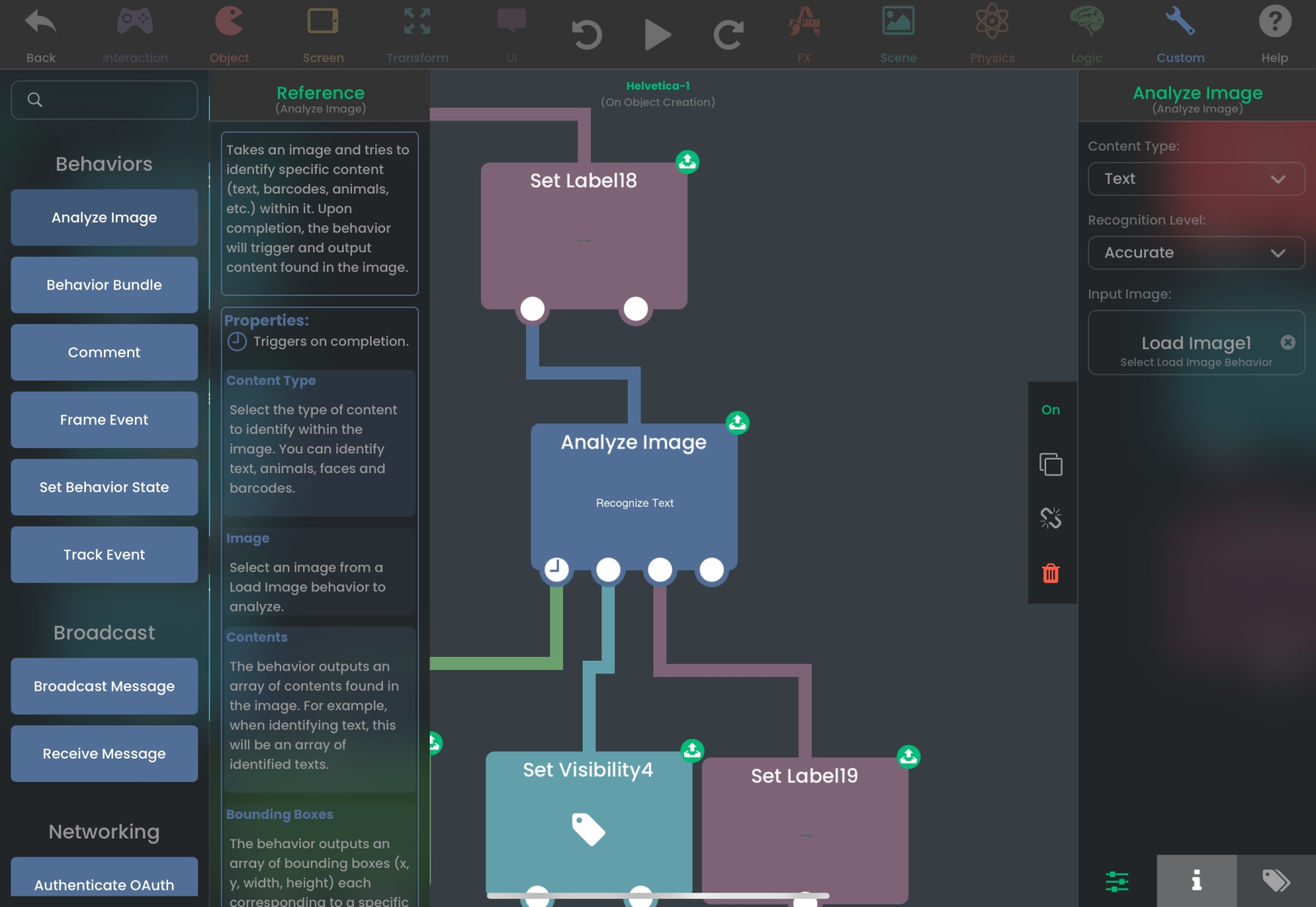
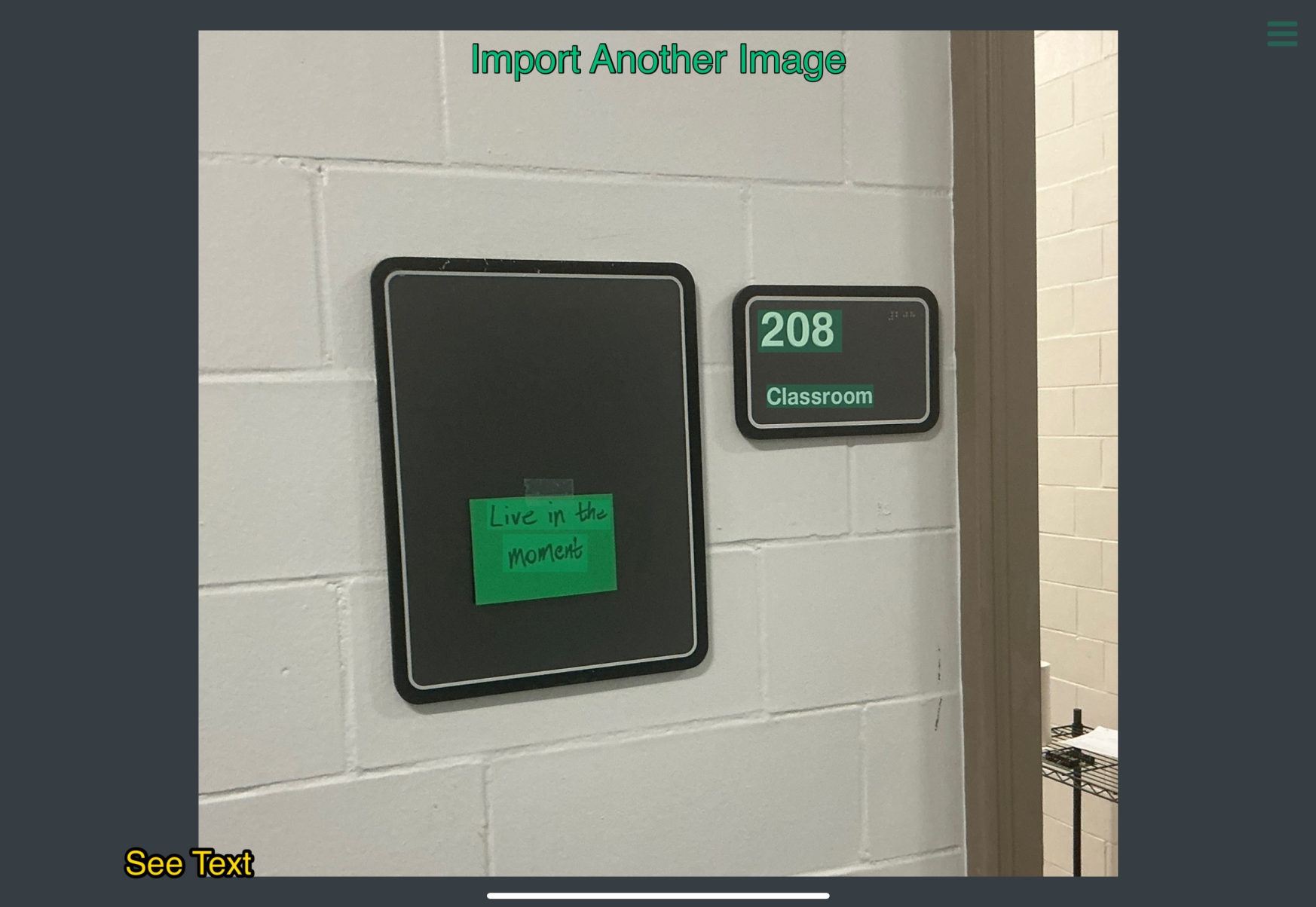
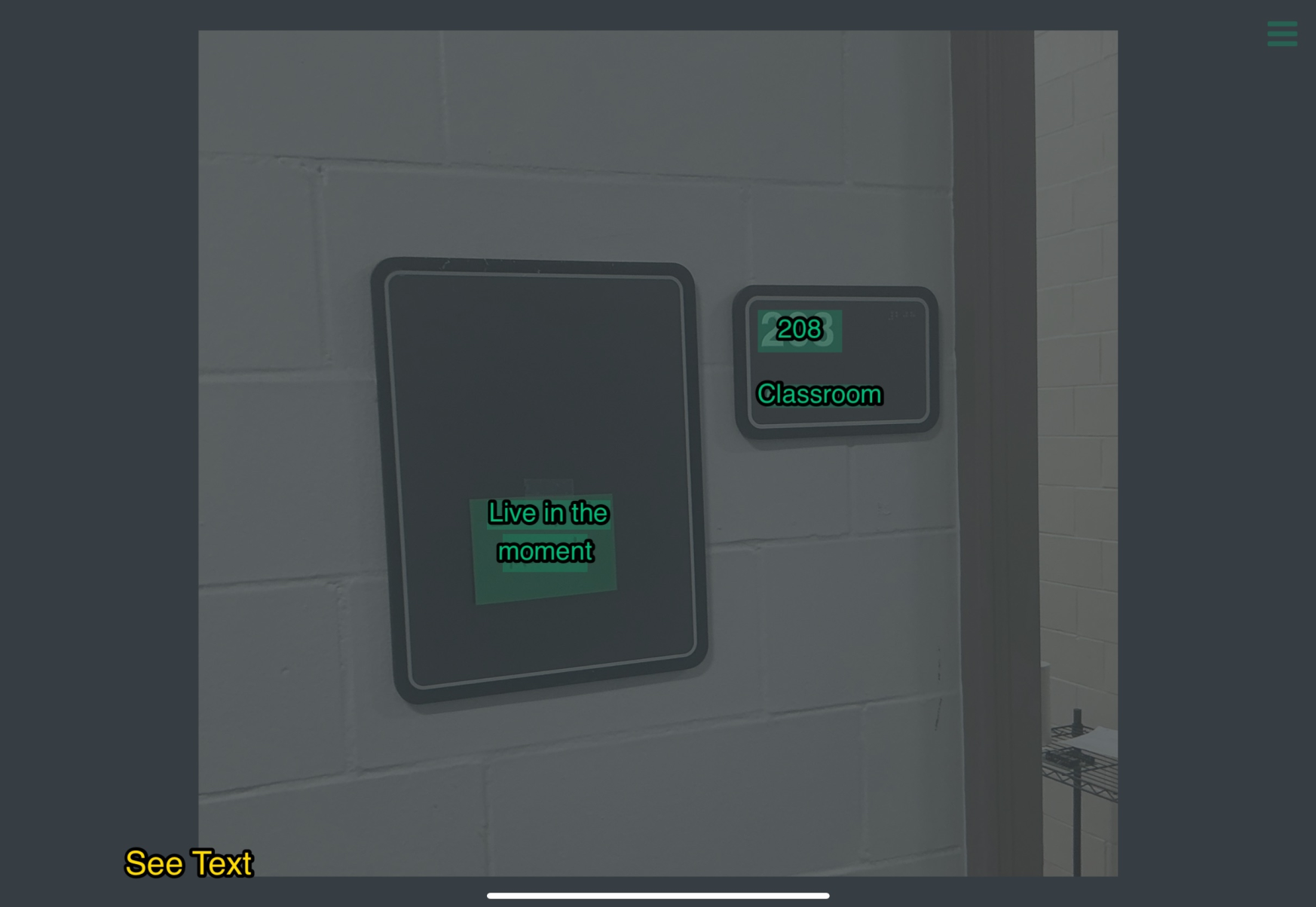
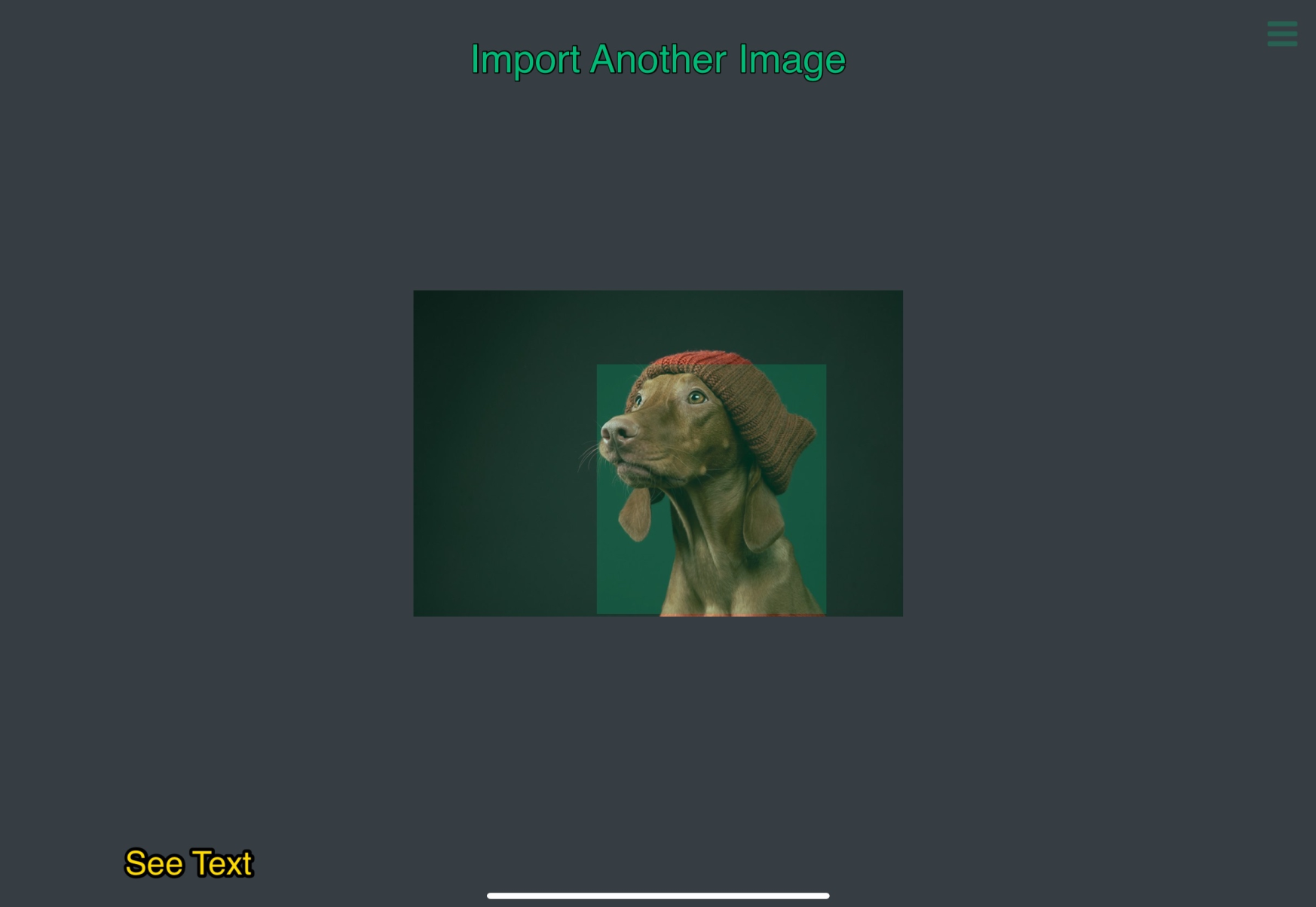
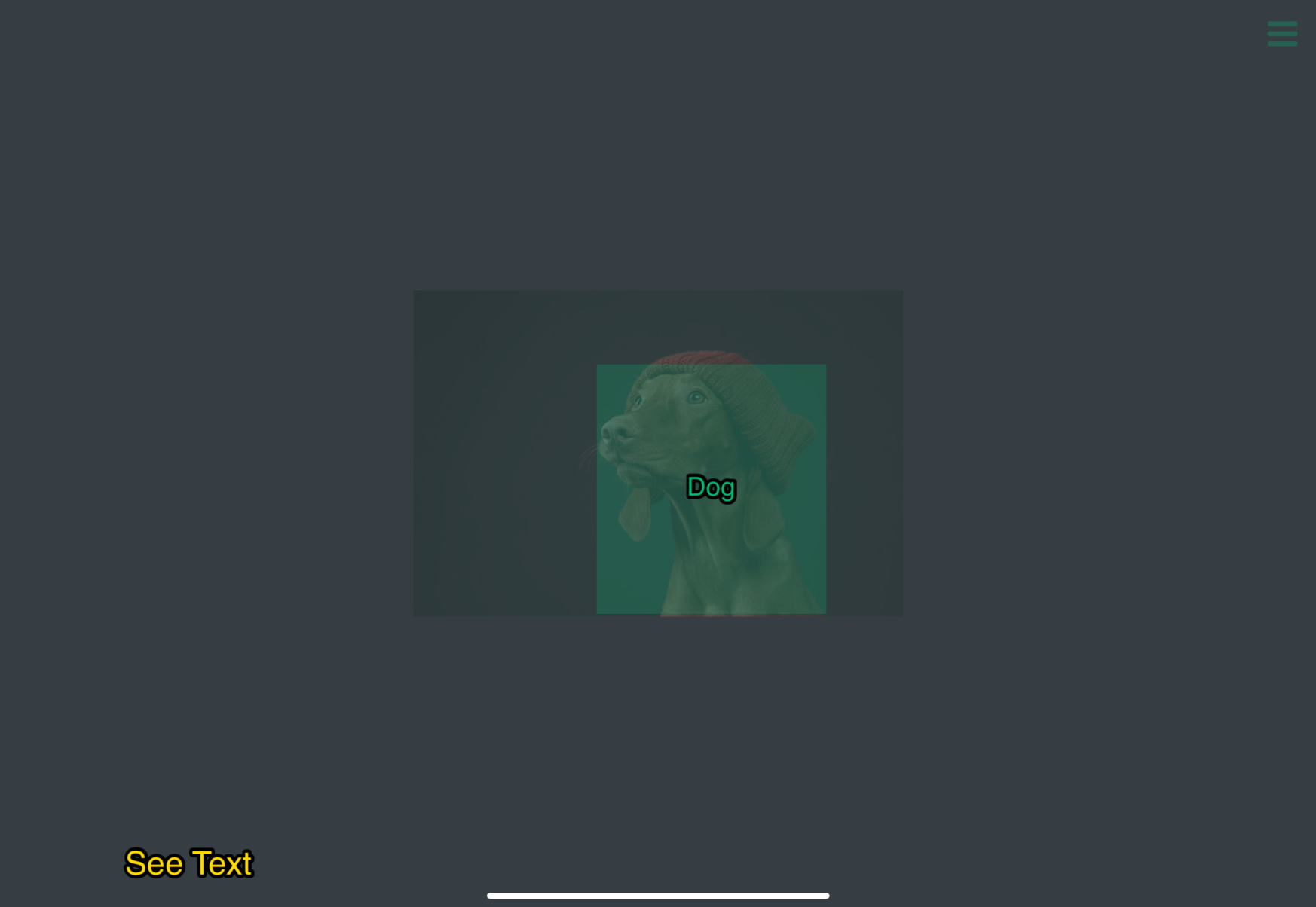
A new Analyze Image behavior that can detect texts, faces, bar codes and animals within images.
This can be utilized to create powerful apps like a receipt scanner. You can also use this for applications such as locating faces in an image to blur them or keeping track of pictures containing a specific animal.
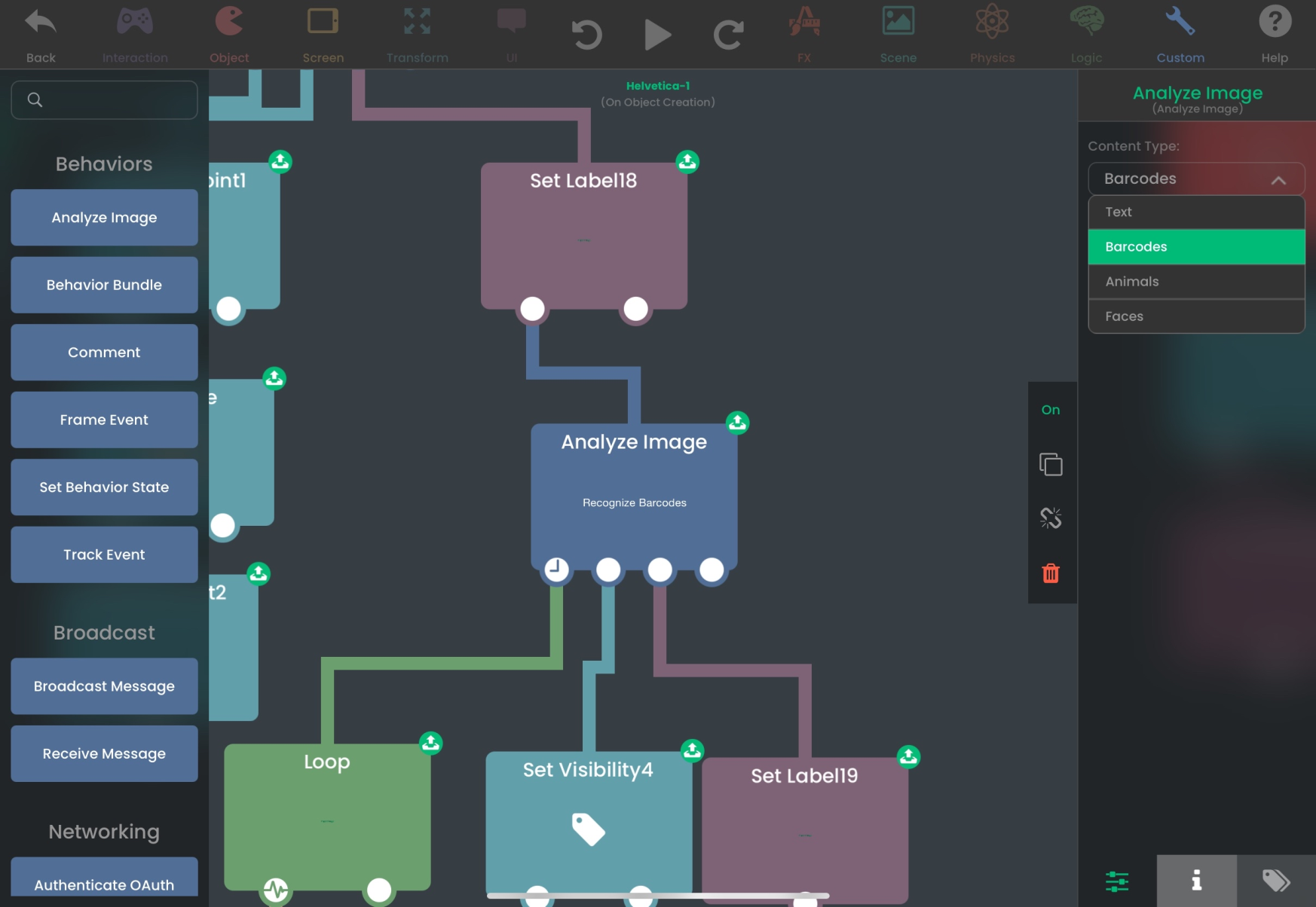
🚀 Content Type - Select what type of content to recognize in the image. Text, Barcode, Animals and Faces.
🚀 Image - Select a Load Image behavior to use as the input image.
🚀 Bounding Boxes - The behavior outputs bounding Boxes which outputs an array of bounding boxes. Each bounding box is an array -> [x, y, width, height] where all the values are normalized in regards to the dimensions of the image. The origin is at the bottom left corner of the image.
🚀 The behavior outputs contents which is an array of contents found in the image. See info below.- Text: an array of strings.
- Barcode: an array of the barcode payload.
- Animals: an array of identified animals.
- Faces: an array of dictionaries -> {"quality": (0-1), "confidence": (0-1)}.
-
🟠 Potential New Feature — Analyze Image Behavior
A new Analyze Image behavior that can detect texts, faces, bar codes and animals within images.
This can be utilized to create powerful apps like a receipt scanner. You can also use this for applications such as locating faces in an image to blur them or keeping track of pictures containing a specific animal.
🚀 Content Type - Select what type of content to recognize in the image. Text, Barcode, Animals and Faces.
🚀 Image - Select a Load Image behavior to use as the input image.
🚀 Bounding Boxes - The behavior outputs bounding Boxes which outputs an array of bounding boxes. Each bounding box is an array -> [x, y, width, height] where all the values are normalized in regards to the dimensions of the image. The origin is at the bottom left corner of the image.
🚀 The behavior outputs contents which is an array of contents found in the image. See info below.- Text: an array of strings.
- Barcode: an array of the barcode payload.
- Animals: an array of identified animals.
- Faces: an array of dictionaries -> {"quality": (0-1), "confidence": (0-1)}.
-
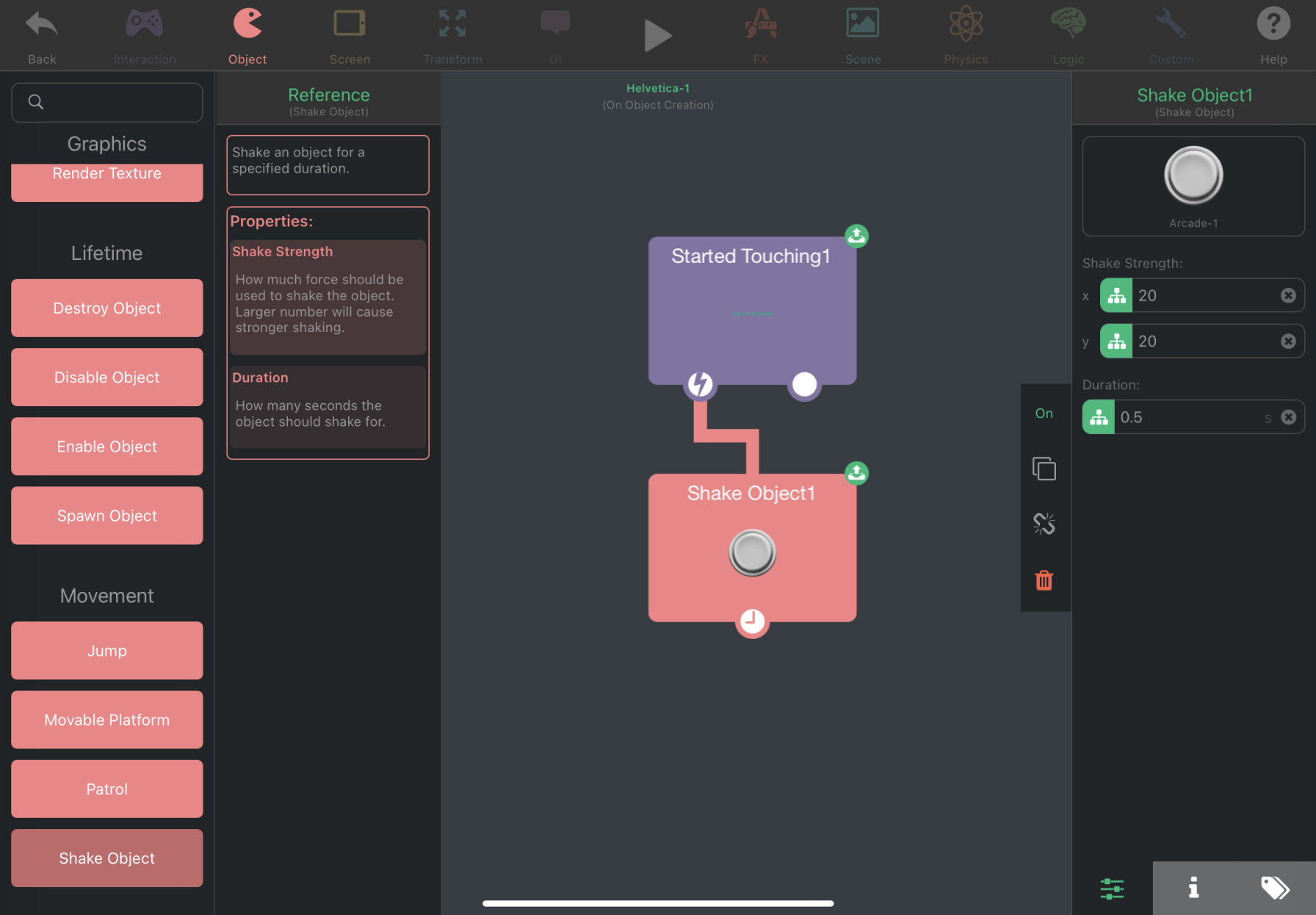
🟠 Potential New Feature — Shake Object Behavior
A new Shake Object behavior that simply shakes an object. This is only a visual effect and it does not affect the actual position of the object.
🟠 Potential New Feature — Beginner's Guide
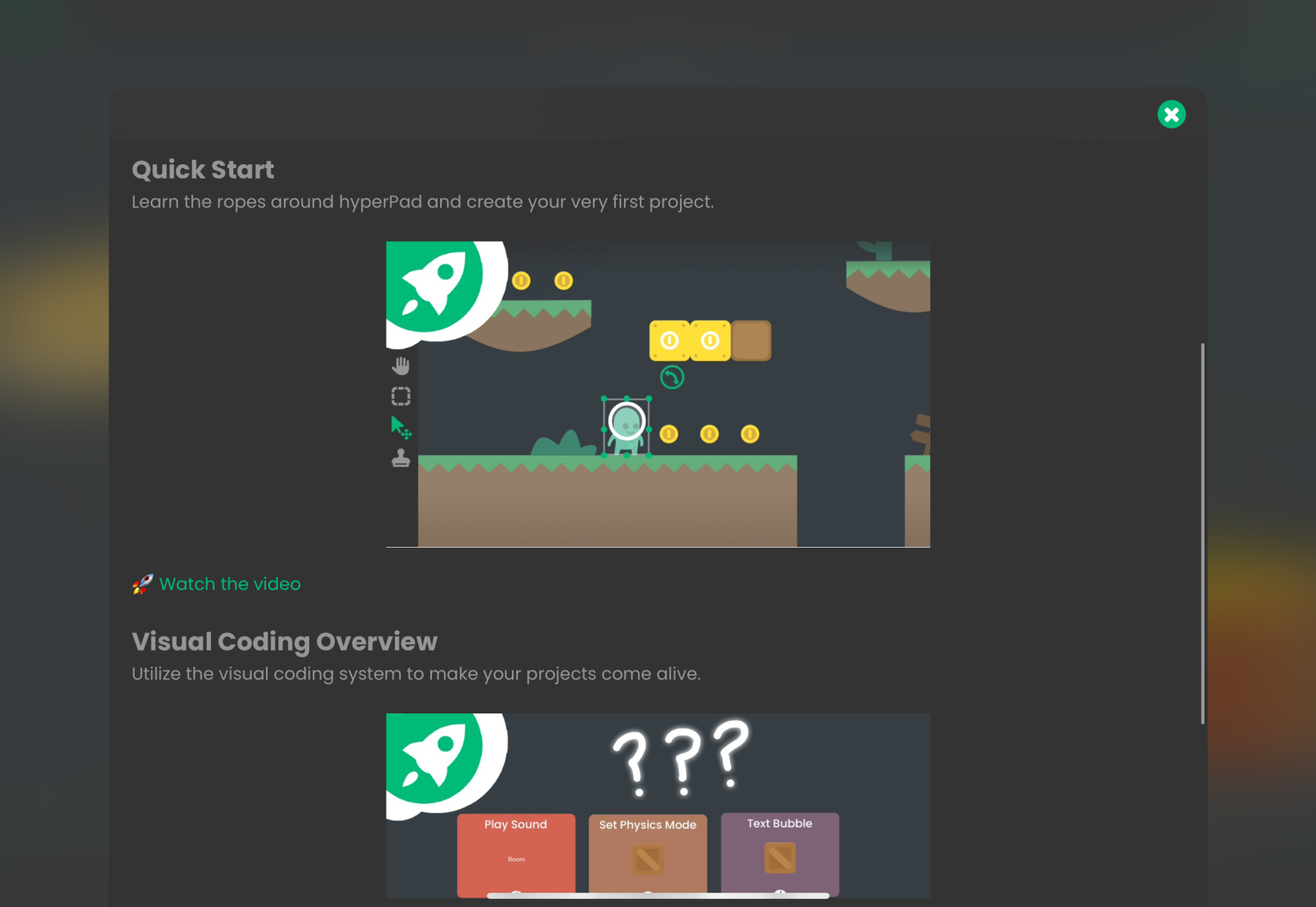
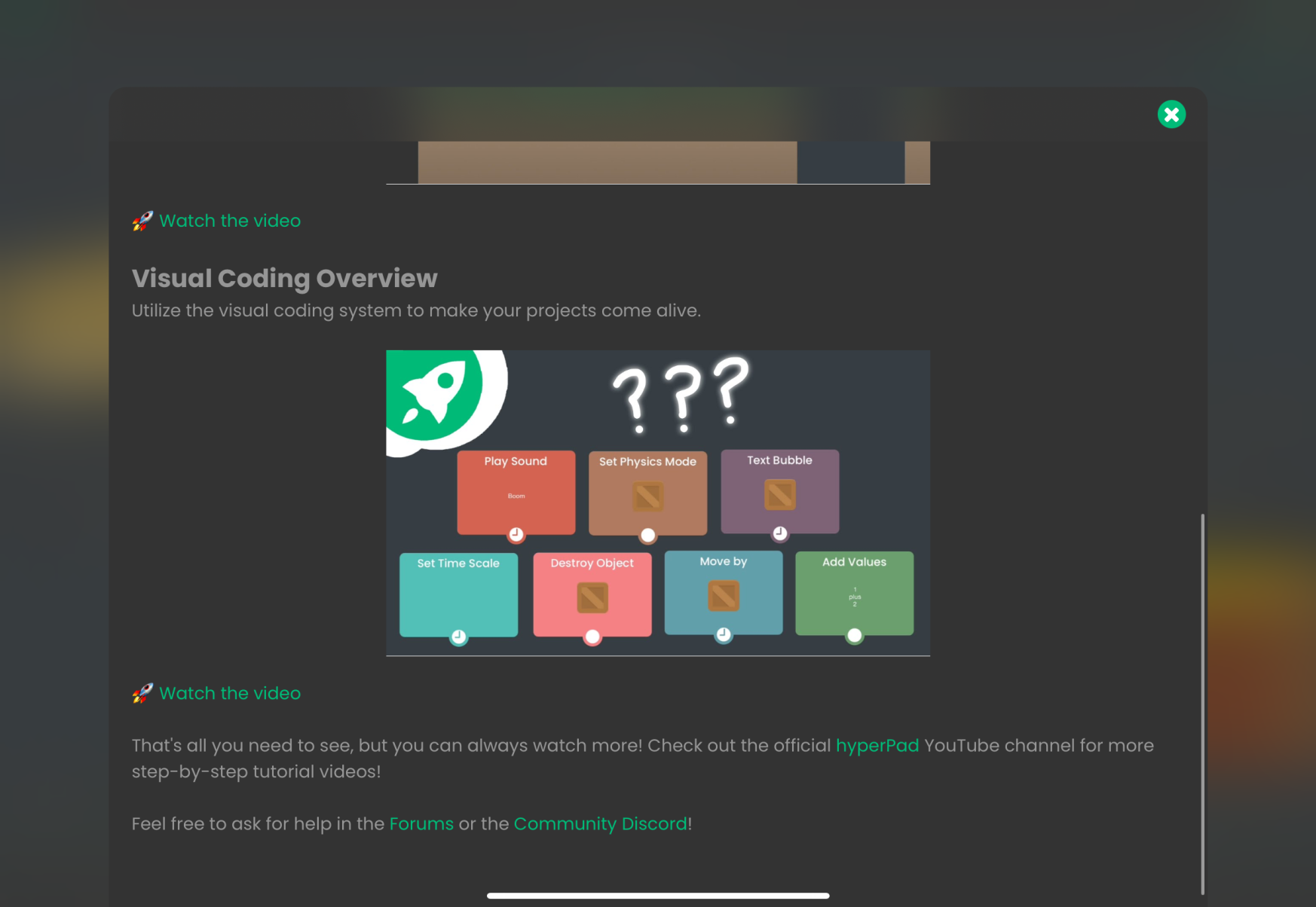
A dedicated article containing essential information, link to the official discord, detailed videos and an interactive tutorial that new users can view to start using hyperPad.
This article will be translated to all supported languages to reduce language barriers, and can also be reopened at any time.

-
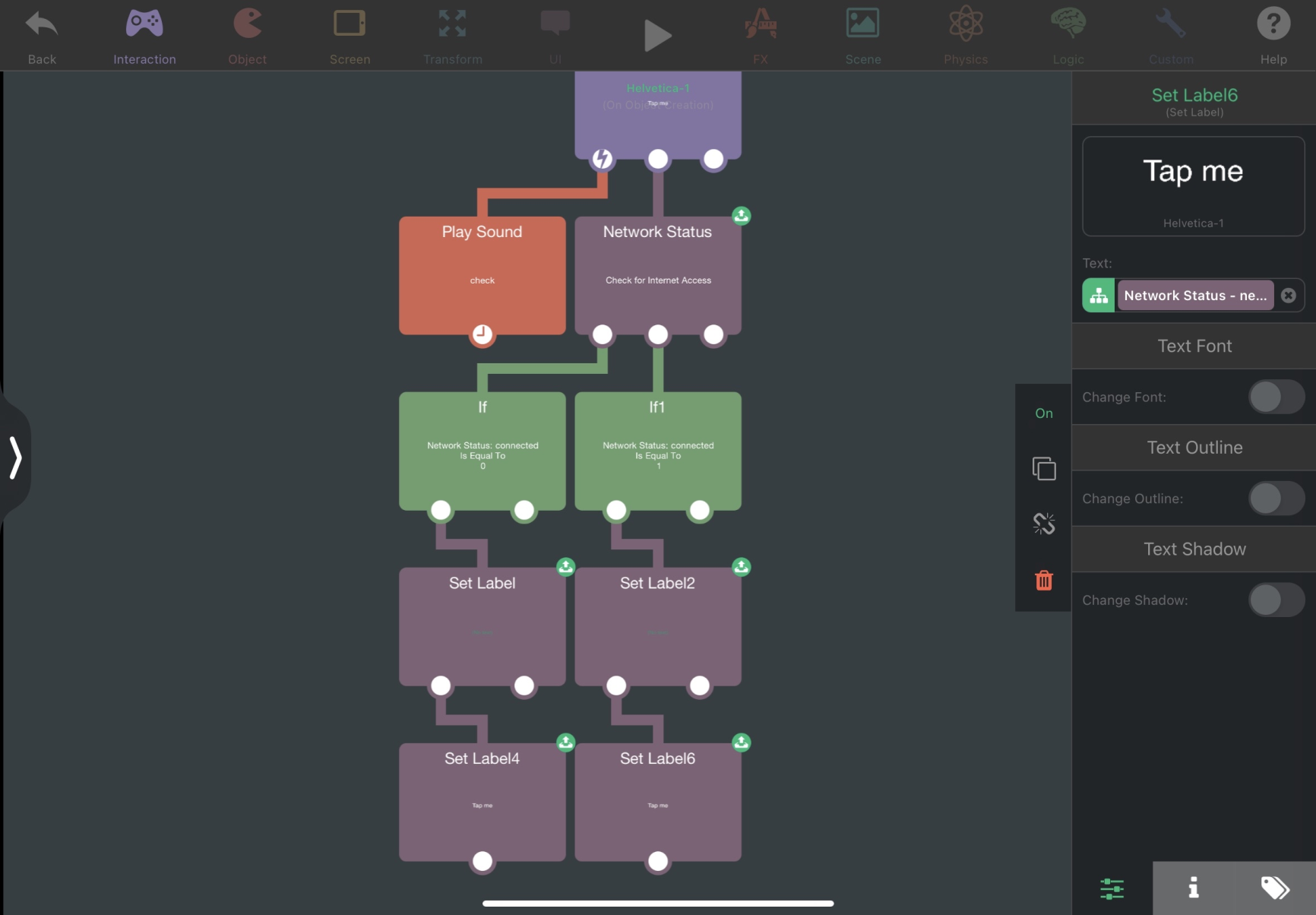
🟠 Potential New Feature — Network Status Behavior
A new behavior that checks if the device has internet connection. This can be used to detect if the user is offline.
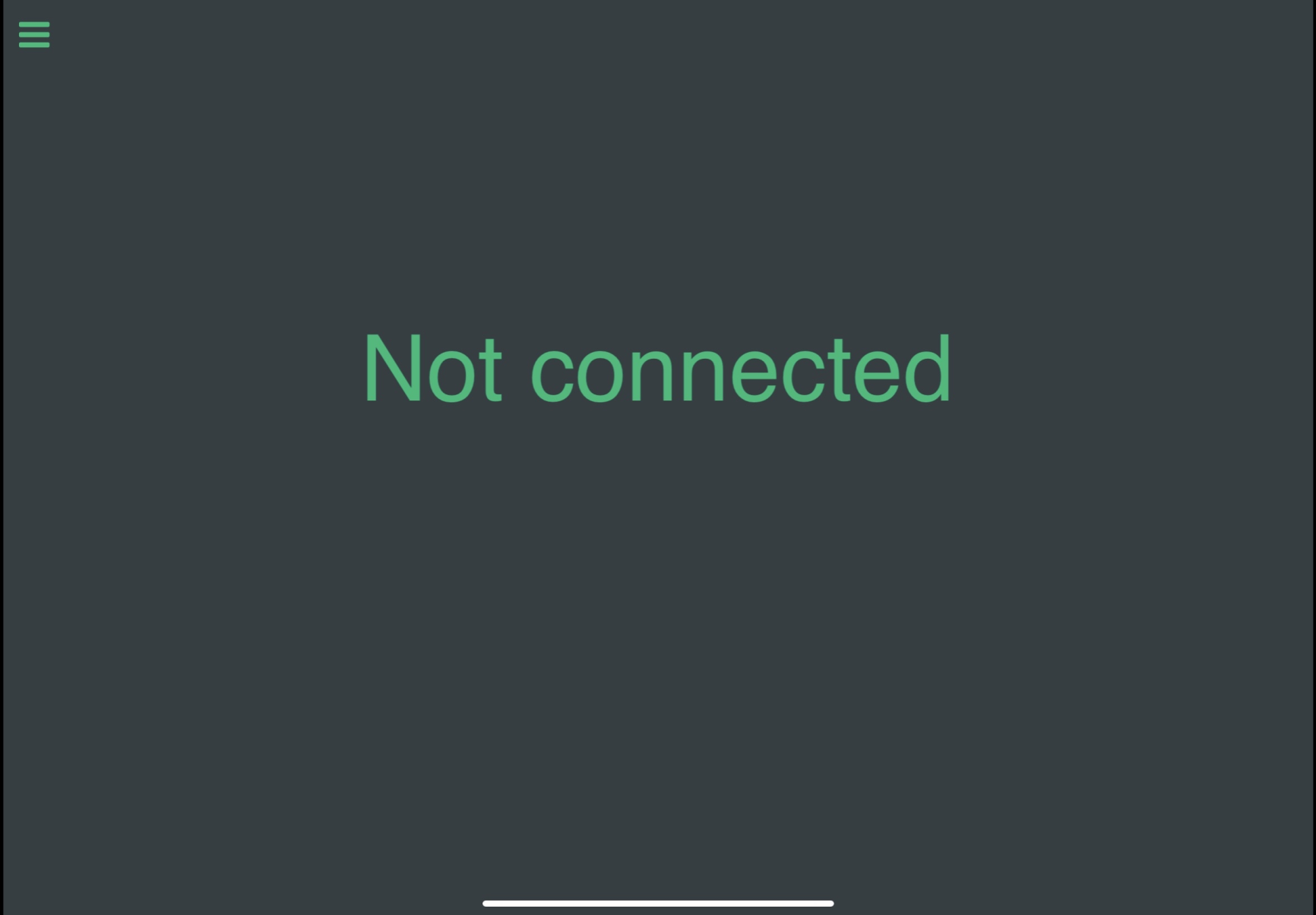
🚀 connected - Outputs 1 when connected and 0 when not connected.
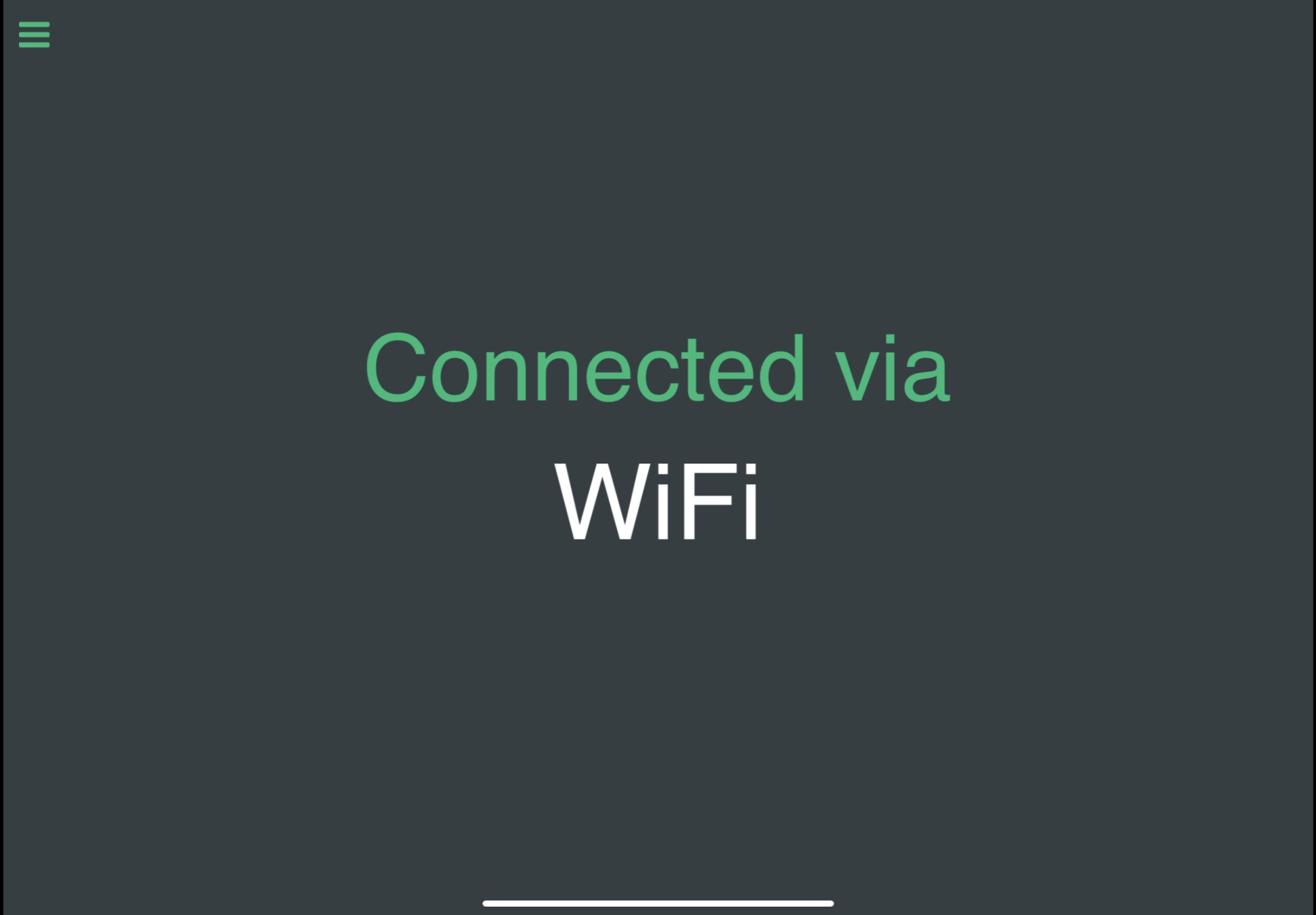
🚀 network_type - Outputs WiFi or Cellular. This can be used to limit data usage for cellular connections.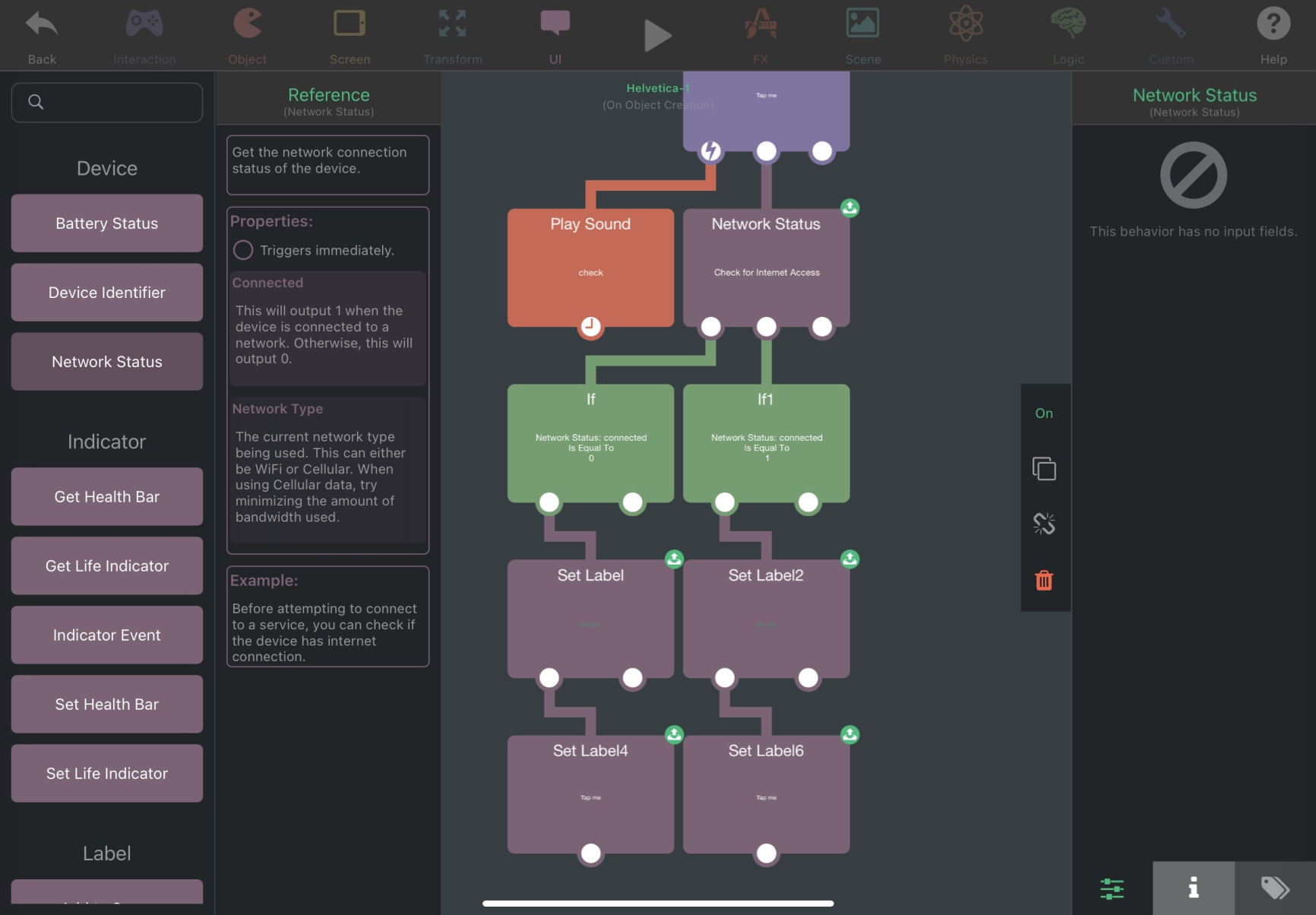
-
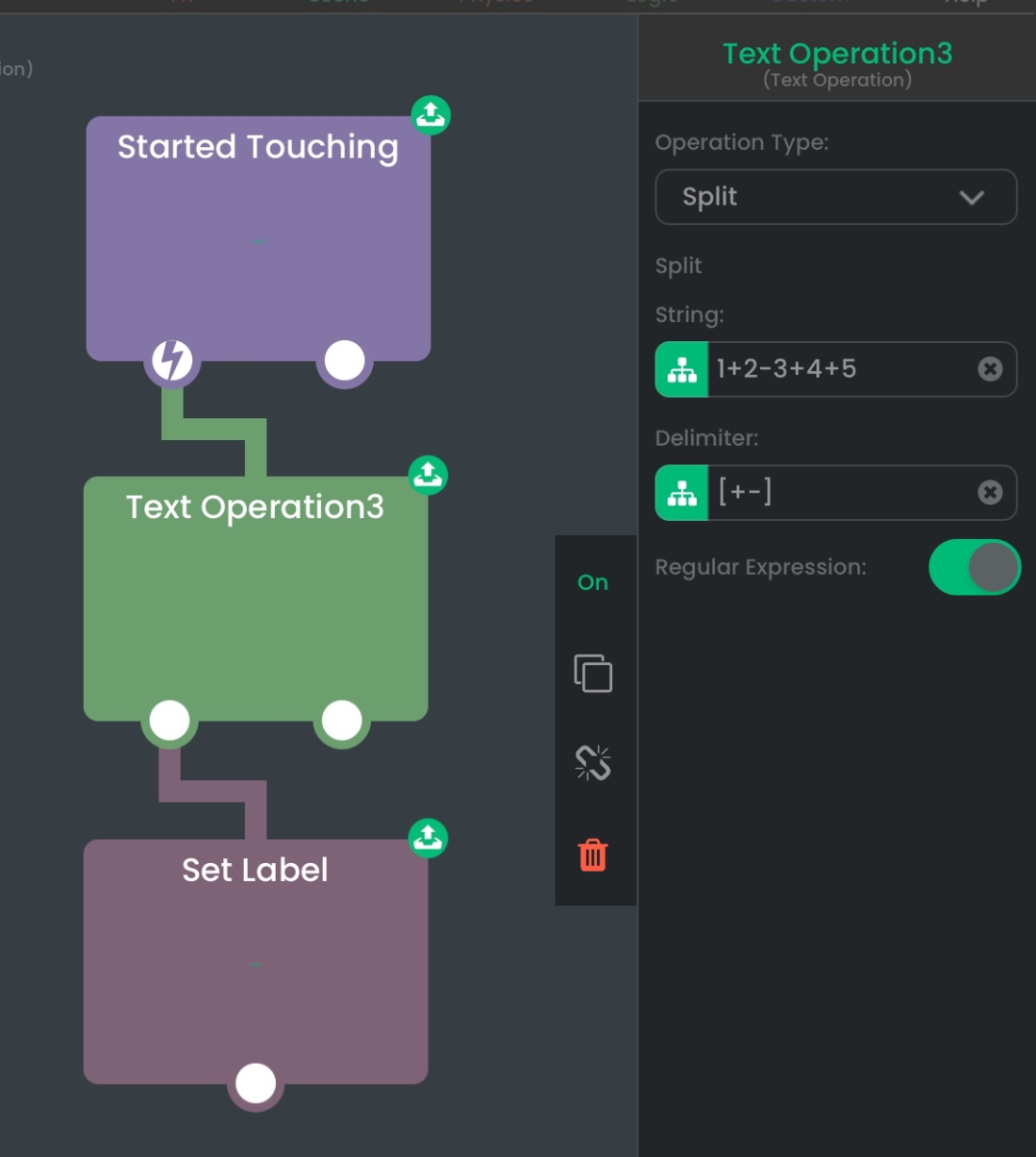
🟠 Potential New Feature — Regex Support for Split Operation in Text Operation
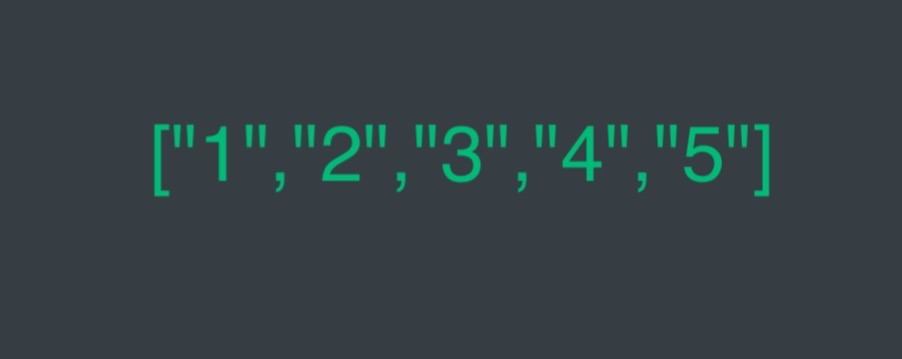
The split function in the Text Operation will be able to support regular expression. This allows the input text to be split with all delimiters that are matched by the regular expression.
-
🟠 Potential New Feature — Debounce Behavior
A new behavior that limits how many times it can be triggered. This can be used to prevent spamming specific actions.
🚀 Debounce Time - The cooldown time in seconds before the behavior can be triggered again.
🚀 Affected by Time Scale - If enabled, the scene's time scale can affect the debounce time.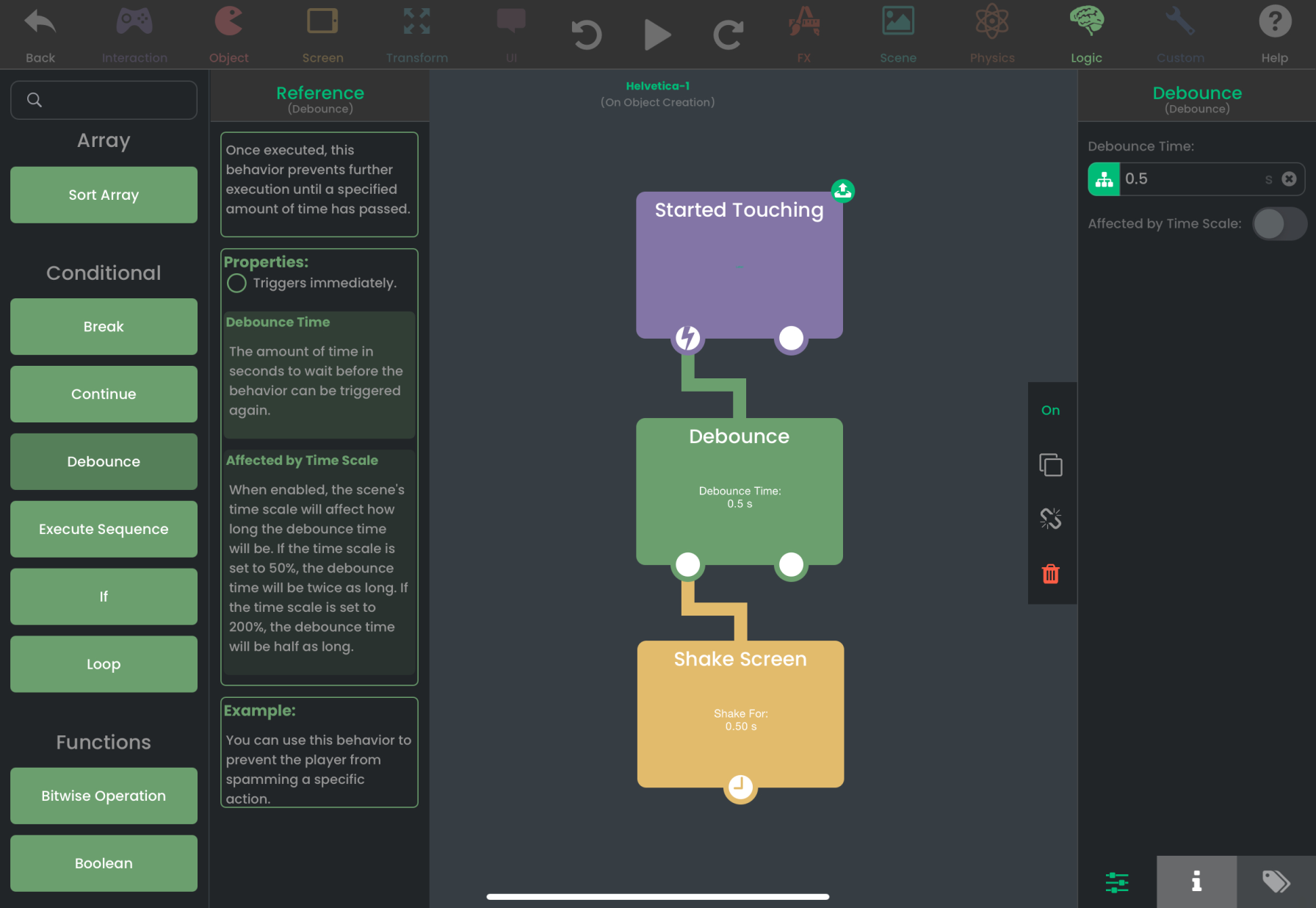

Hello! It looks like you're interested in this conversation, but you don't have an account yet.
Getting fed up of having to scroll through the same posts each visit? When you register for an account, you'll always come back to exactly where you were before, and choose to be notified of new replies (either via email, or push notification). You'll also be able to save bookmarks and upvote posts to show your appreciation to other community members.
With your input, this post could be even better 💗
Register Login