
Aspect Ratio: Can Zoom be changed for iPhone?
-
I'd like to use most of the iPad's landscape height, which means (when porting to iPhone) any 16:9 ratio will involve providing more width of view to the iPhone users. I'm fine with that. But it seems the ratio/settings are arbitrarily squishing content rather than stretching it.
Any way to control this?
-
-
It shouldn't be squishing or stretching anything.
It should be showing more or less of the content. If it is squishing your content that could be a bug. Can you post a screen shot?
-
-
You'd have to change the zoom using behaviours.
You can use the Get screen behaviour to get the current aspect ratio. If it's 16:9 use zoom behaviour to set the desired zoom level -
-
Interesting. Can you show the editor as well? and did you happen to change the PTM at all?
@Murtaza What do you mean by "show the editor"?
No, haven't changed PTM. Everything is bog standard, defaults.
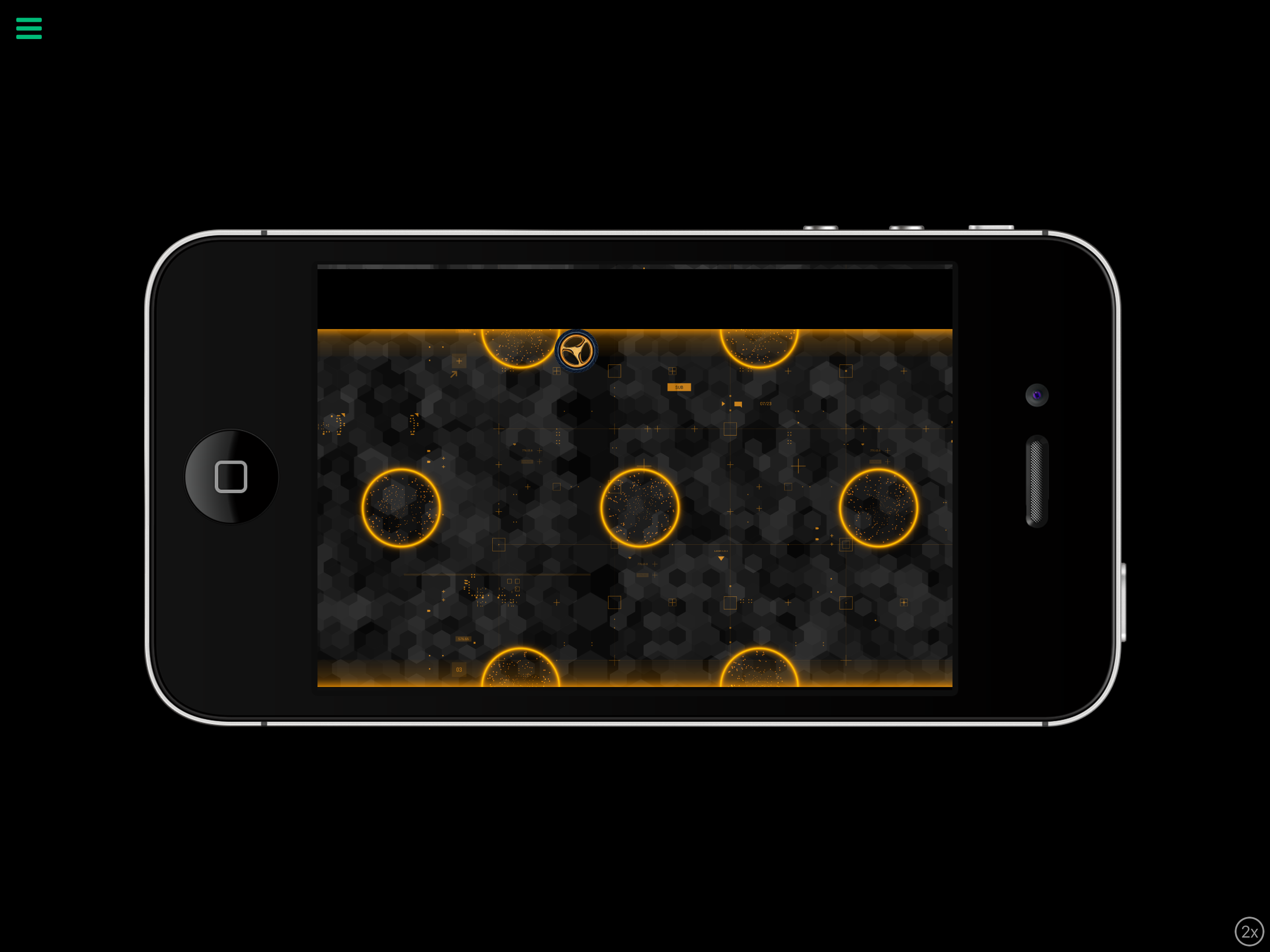
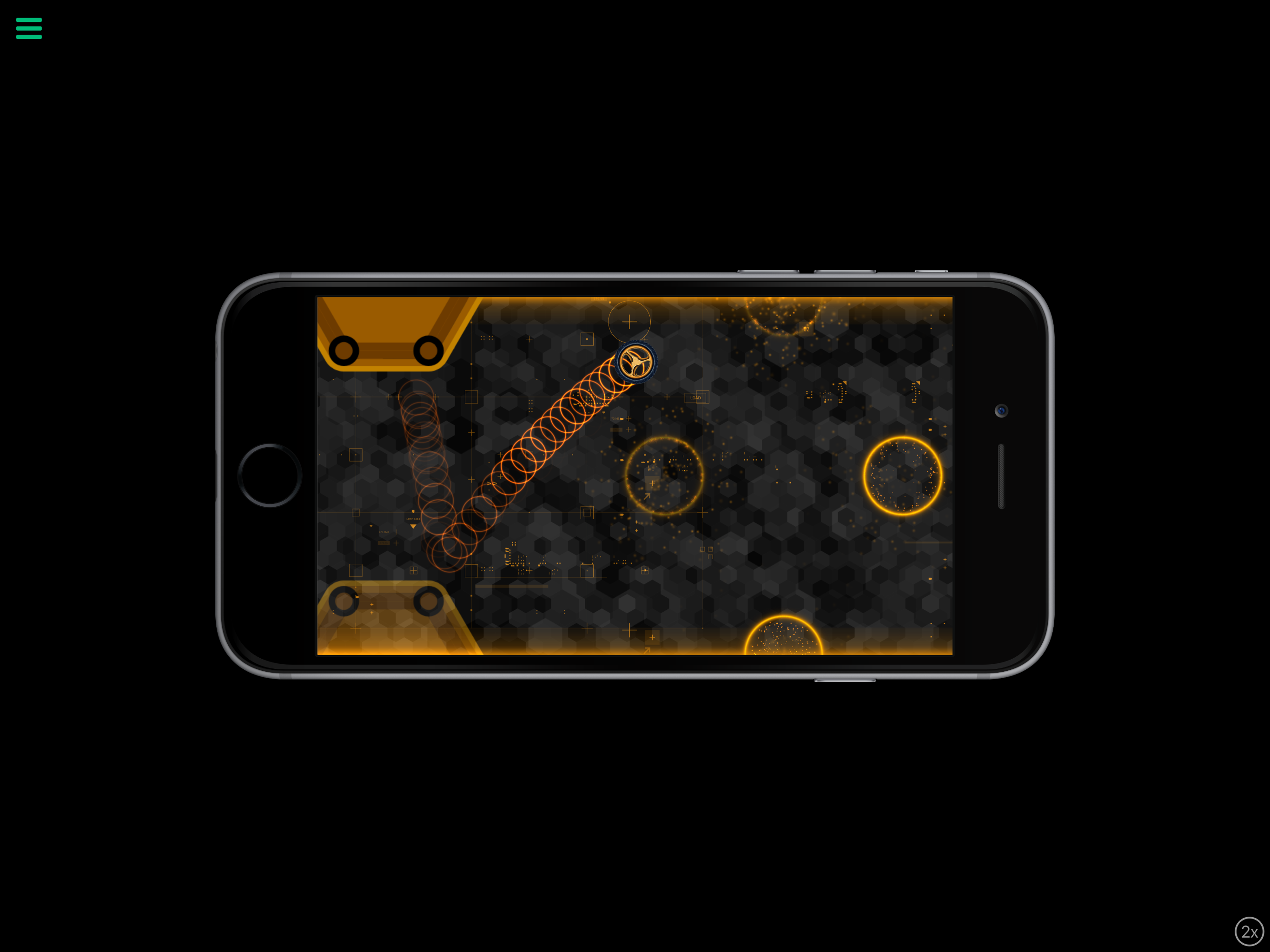
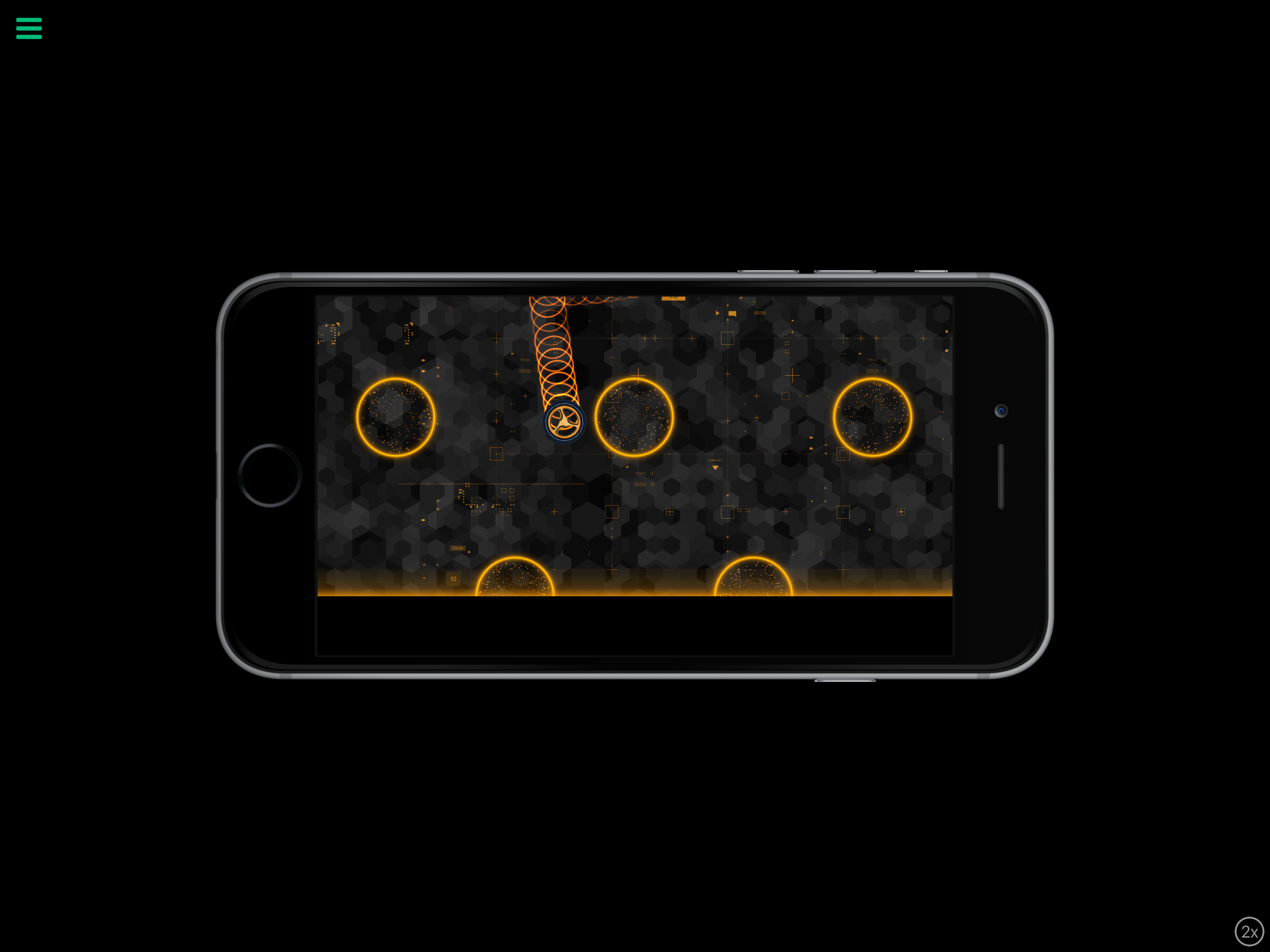
Here's the smaller iPhone, it goes the other way... pushing things down
In both cases, sometimes it's fixed after I move the lead character into view. Sometimes it stays wonky and never corrects.
-
You'd have to change the zoom using behaviours.
You can use the Get screen behaviour to get the current aspect ratio. If it's 16:9 use zoom behaviour to set the desired zoom level

Hello! It looks like you're interested in this conversation, but you don't have an account yet.
Getting fed up of having to scroll through the same posts each visit? When you register for an account, you'll always come back to exactly where you were before, and choose to be notified of new replies (either via email, or push notification). You'll also be able to save bookmarks and upvote posts to show your appreciation to other community members.
With your input, this post could be even better 💗
Register Login