Skip to content
  • Categories
  • Recent
  • Tags
  • Popular
  • Users
  • Search
Skins
  • Light
  • Brite
  • Cerulean
  • Cosmo
  • Flatly
  • Journal
  • Litera
  • Lumen
  • Lux
  • Materia
  • Minty
  • Morph
  • Pulse
  • Sandstone
  • Simplex
  • Sketchy
  • Spacelab
  • United
  • Yeti
  • Zephyr
  • Dark
  • Cyborg
  • Darkly
  • Quartz
  • Slate
  • Solar
  • Superhero
  • Vapor

  • Default (No Skin)
  • No Skin
Collapse
hyperPad

hyperPad Forum

Ultra RobotU

Ultra Robot

@Ultra Robot
About
Posts
11
Topics
4
Shares
0
Groups
0
Followers
0
Following
0

Posts

Recent Best Controversial

  • Question about Spritesheets
    Ultra RobotU Ultra Robot

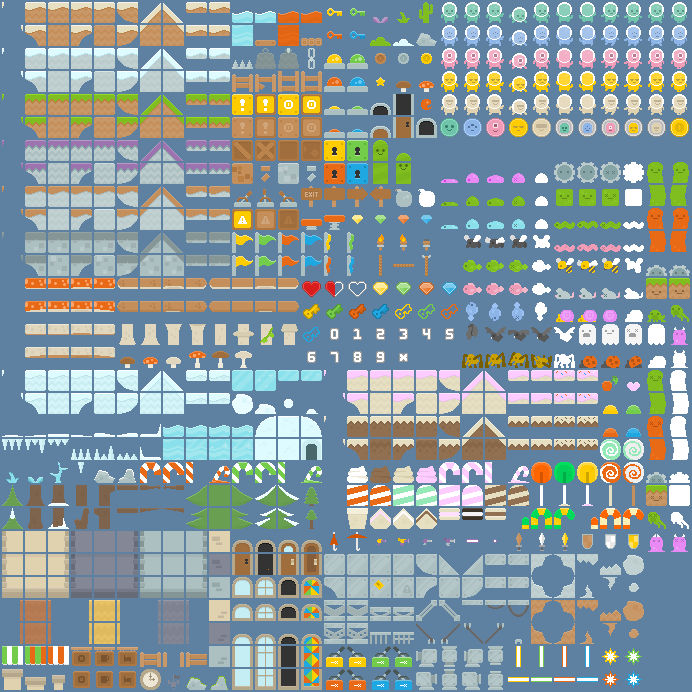
    Greetings. I have recently downloaded a file with a ton of graphics ready for use. However, they are all in a spritesheet, and the background is not transparent. Here's what it looks like:
    0_1504292785481_spritesheet.png

    My main question is: how could I extract all of these sprites from the spritesheet while also making them transparent, given the background is non-transparent? Once I figure that out, I also have to figure out how to enlarge them so they don't look blurry when I have to enlarge them with hyperPad's object editor. Any ideas?

    General Discussion

  • Question about Music and using it in projects
    Ultra RobotU Ultra Robot

    @Jack8680 Using a downloader app, I had tried to copy the URL of what I wanted to download, but I don't think it seemed to work. Any suggestions for downloader apps I should use for that?

    Help and Support

  • Question about Music and using it in projects
    Ultra RobotU Ultra Robot

    So I'm trying to add some music into my game, but the thing is, I don't exactly know how to download the music and import it into my game.

    While I do know that one method of accomplishing this is to download the music via a computer, then import it onto a device, and then import the music from the device to hyperPad, I'm looking for a faster method that can accomplish the same thing without the need of a computer.

    For instance, if I wanted to maybe import some music from Incompetech, which would seem like a prime example of Royalty-Free music, I'd have to download it first. If anything, would there be an easy way to get it imported into hyperPad, other than using a computer? Another thing to take into account is, what if some people don't use Dropbox? Personally, I don't have a Dropbox account (I completely forgot I could even use that...).

    And another thing, Deflemask. I've been working a little with Deflemask, and now I'm a little interested in how importing music from Deflemask to hyperPad works. Sure, the PC method works, but wouldn't it just be easier to import it to Dropbox? Or are there many other methods for that?

    Feel free to read through and let me know what you think would be some good methods for importing music into hyperPad.


    Help and Support

  • Shoot Behavior acting weird?
    Ultra RobotU Ultra Robot

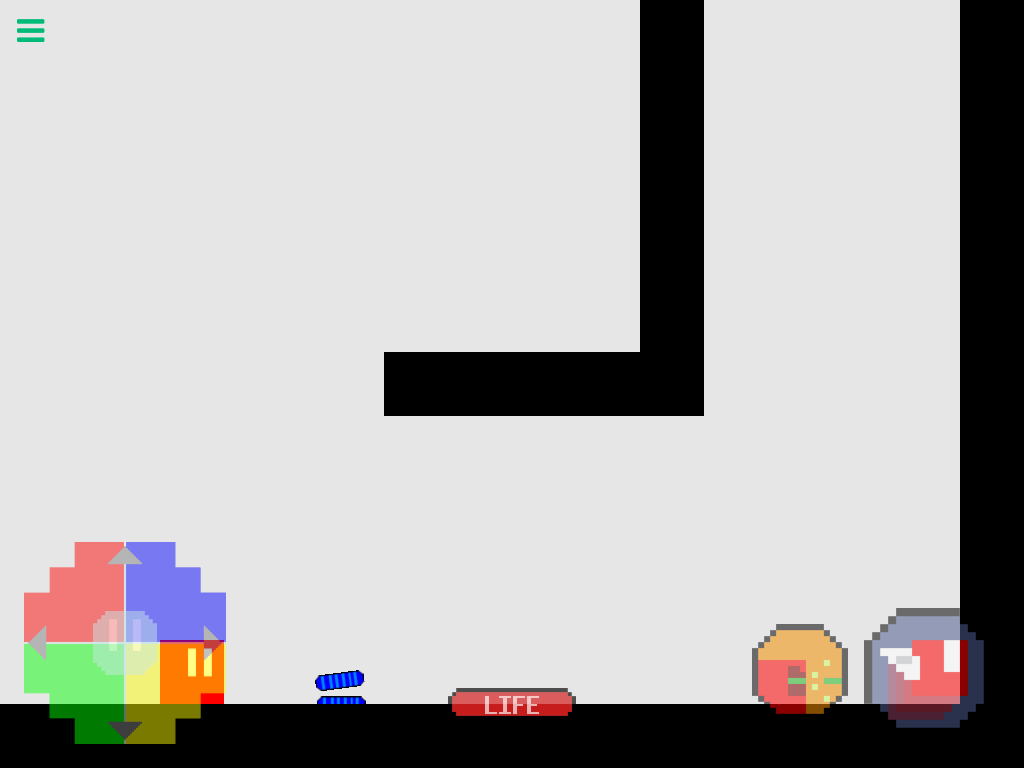
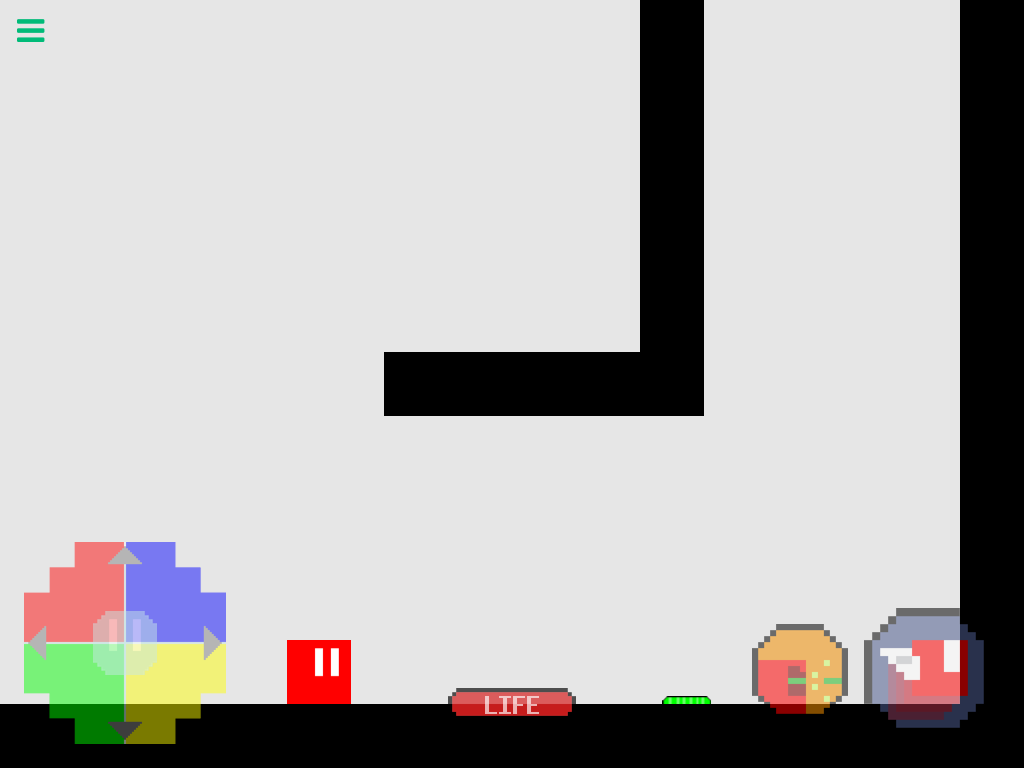
    I think the Shoot behavior is acting a bit weird for me. I'm testing my game at the moment, and I'm finding that when my character shoots lasers, the lasers shoot from BEHIND the character, and will get destroyed before even firing with Destroy on Impact on. With Destroy on Impact turned off, the bullets will just glide along the ground, as shown in the following images:

    1_1493906543054_image.png 0_1493906543051_image.png

    My goal here is to make the lasers shoot out of the "eyes" of the character, rather than seeing the lasers just float along the ground. Some suggestions for how to accomplish something like this would be appreciated! Thanks in advance.

    Help and Support

  • Death Animation Help
    Ultra RobotU Ultra Robot

    @SIRD4SH Thanks a bunch! That's actually really helpful! XD

    Help and Support

  • Death Animation Help
    Ultra RobotU Ultra Robot

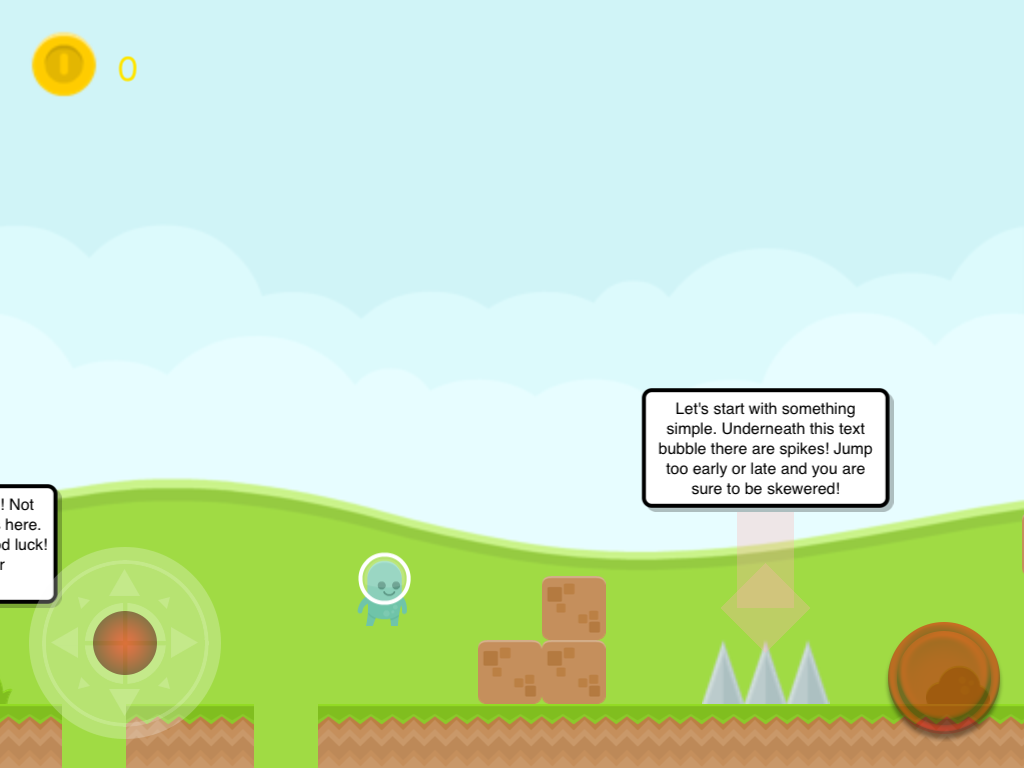
    @DGames135 I tried to use Behavior Offs to turn off all the other animations already. Even after doing so, it still ends up looking like this:
    0_1490903156475_image.png

    Help and Support

  • Death Animation Help
    Ultra RobotU Ultra Robot

    @Hamed Okay, so after I tried replacing the idle animation with a new version of the behavior, I still end up with the same results. This is what it looks like in-game:
    0_1490903091667_image.png

    Help and Support

  • Death Animation Help
    Ultra RobotU Ultra Robot

    @iTap-Development So I tried this method, but, unfortunately, this completely broke the death animation. The death animation keeps getting covered up by the standing animation. I'm assuming it's due to the fact that the Green Spaceman, instead of moving up once, moves up twice, even though I only want it to move up once before falling down. It might be a bug, but I'm not too sure.

    Help and Support

  • Death Animation Help
    Ultra RobotU Ultra Robot

    @iTap-Development Okay, thanks. But how do the Animation Priorities work? I never really used them, and I have no clue what the value of the Animation Priority affects.

    Help and Support

  • Death Animation Help
    Ultra RobotU Ultra Robot

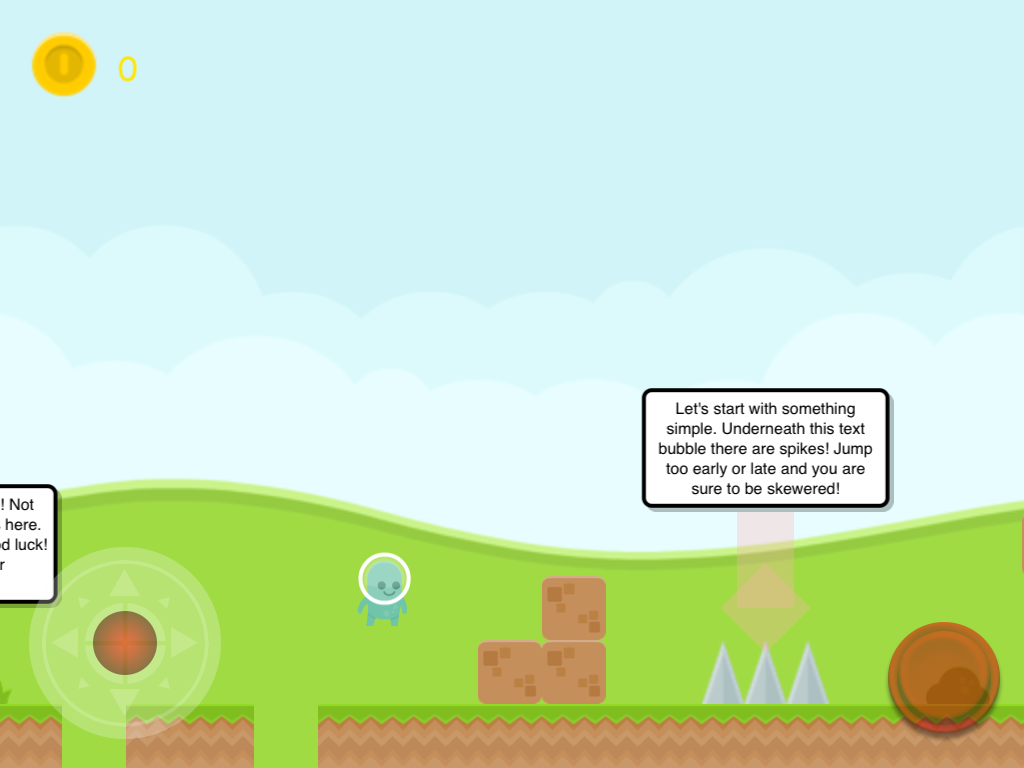
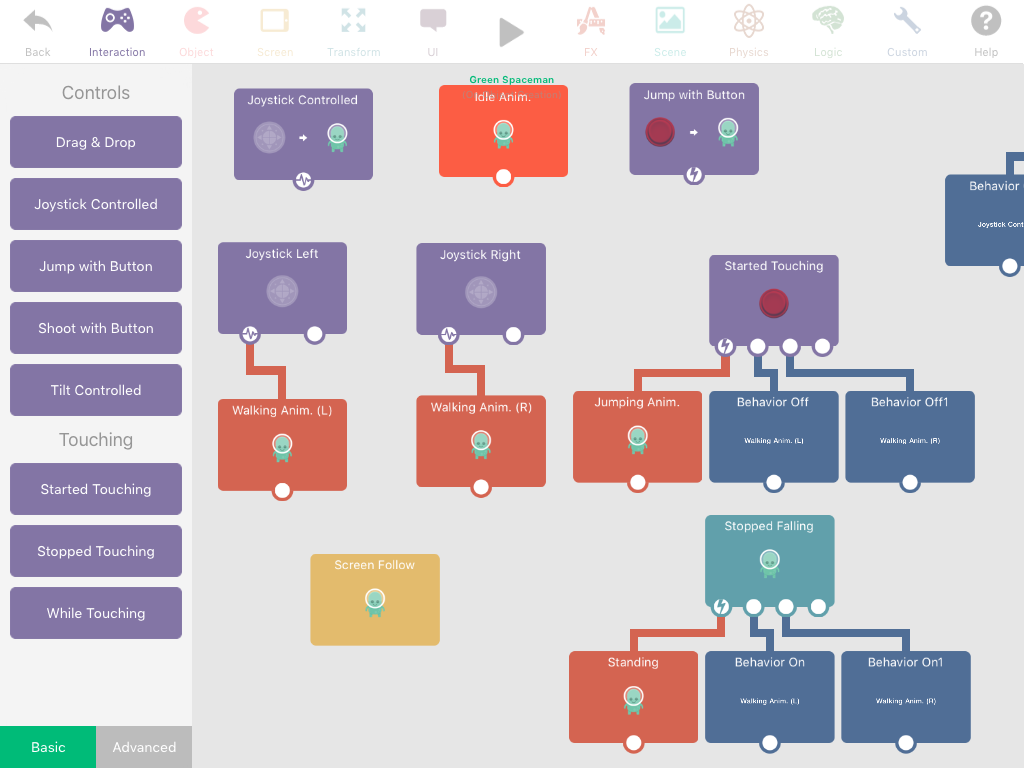
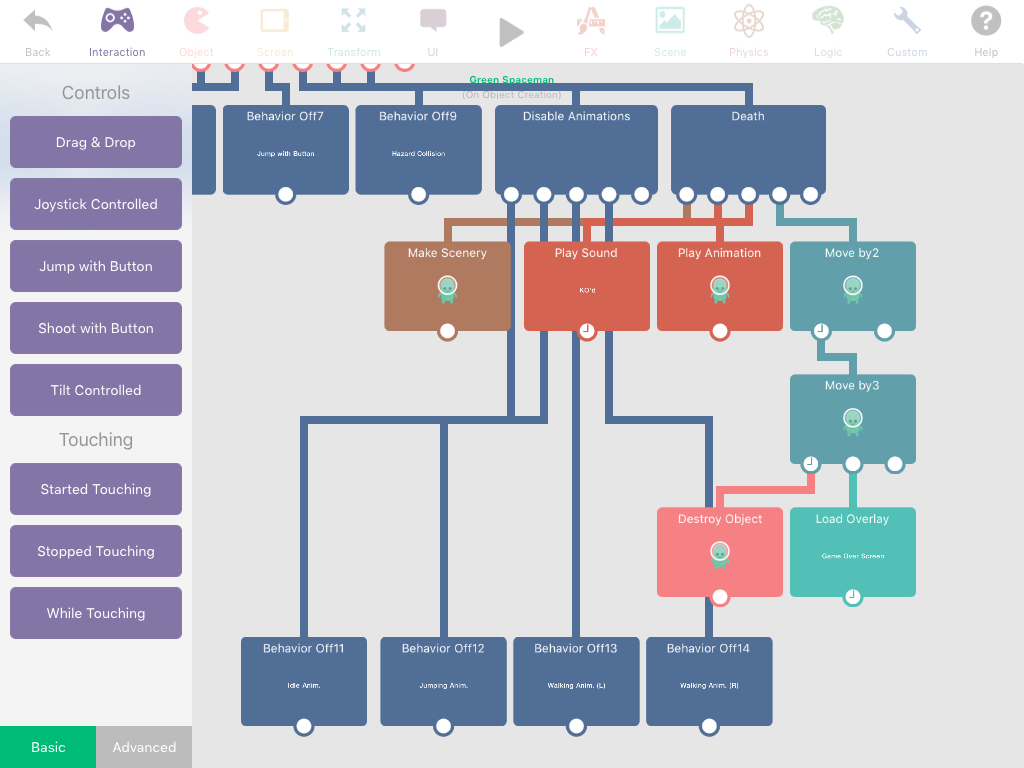
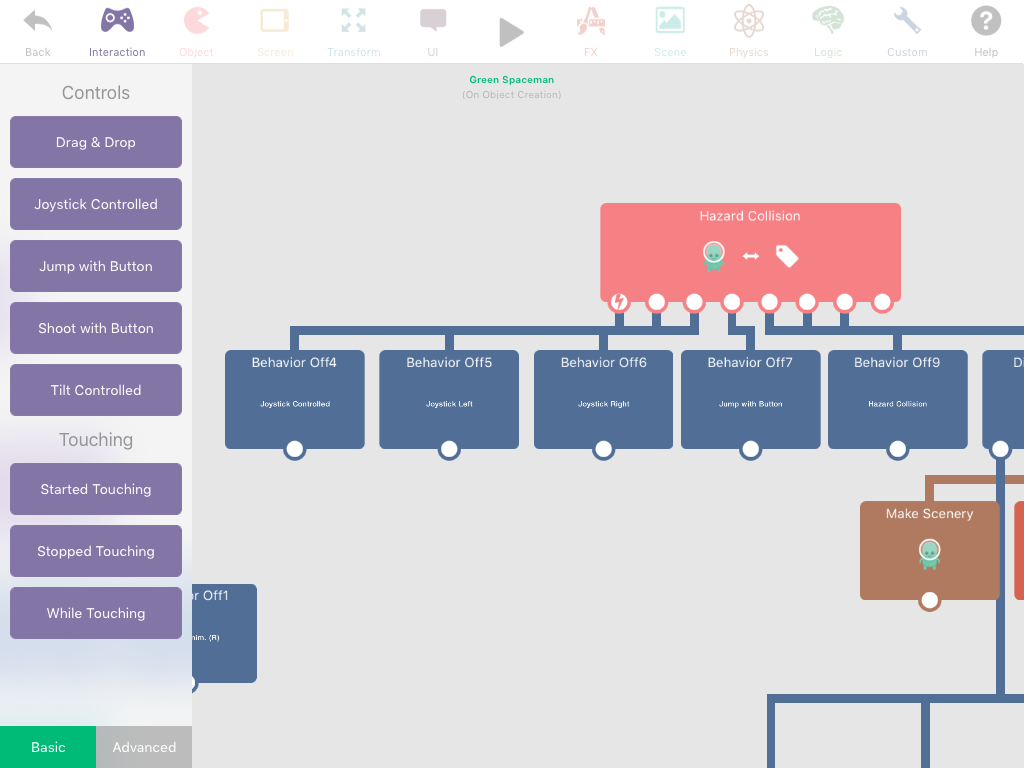
    I'm making a death animation for a platforming game right now. Unfortunately, I've run into countless problems. To name a few:

    • The idling animation keeps playing over the death animation, even after I made a few adjustments.

    • The player character will somehow move up twice, rather than once, before falling offscreen. This is somewhat problematic to the fact that I'm trying to replicate a Mario death animation.

    I've yet to add some screenshots of the behaviors, but when I do, I'll edit this post to show the screenshots.

    (EDIT: I have screenshots! They're right here below this edit post.)

    2_1490838527841_image.png 1_1490838527841_image.png 0_1490838527811_image.png

    These are all screenshots of the behaviors I have on my Green Spaceman character.

    Help and Support

  • Sign in bug
    Ultra RobotU Ultra Robot

    Me too. This has definitely happened to me a lot more than it should be.

    Bug Reports
  • Login

  • Login or register to search.
  • First post
    Last post
0
  • Categories
  • Recent
  • Tags
  • Popular
  • Users
  • Search