
How to recover a project?
-
We recently received a question about recovering a project — the user had cloud saves enabled and had also been experimenting with local saves.
Here’s how it works!
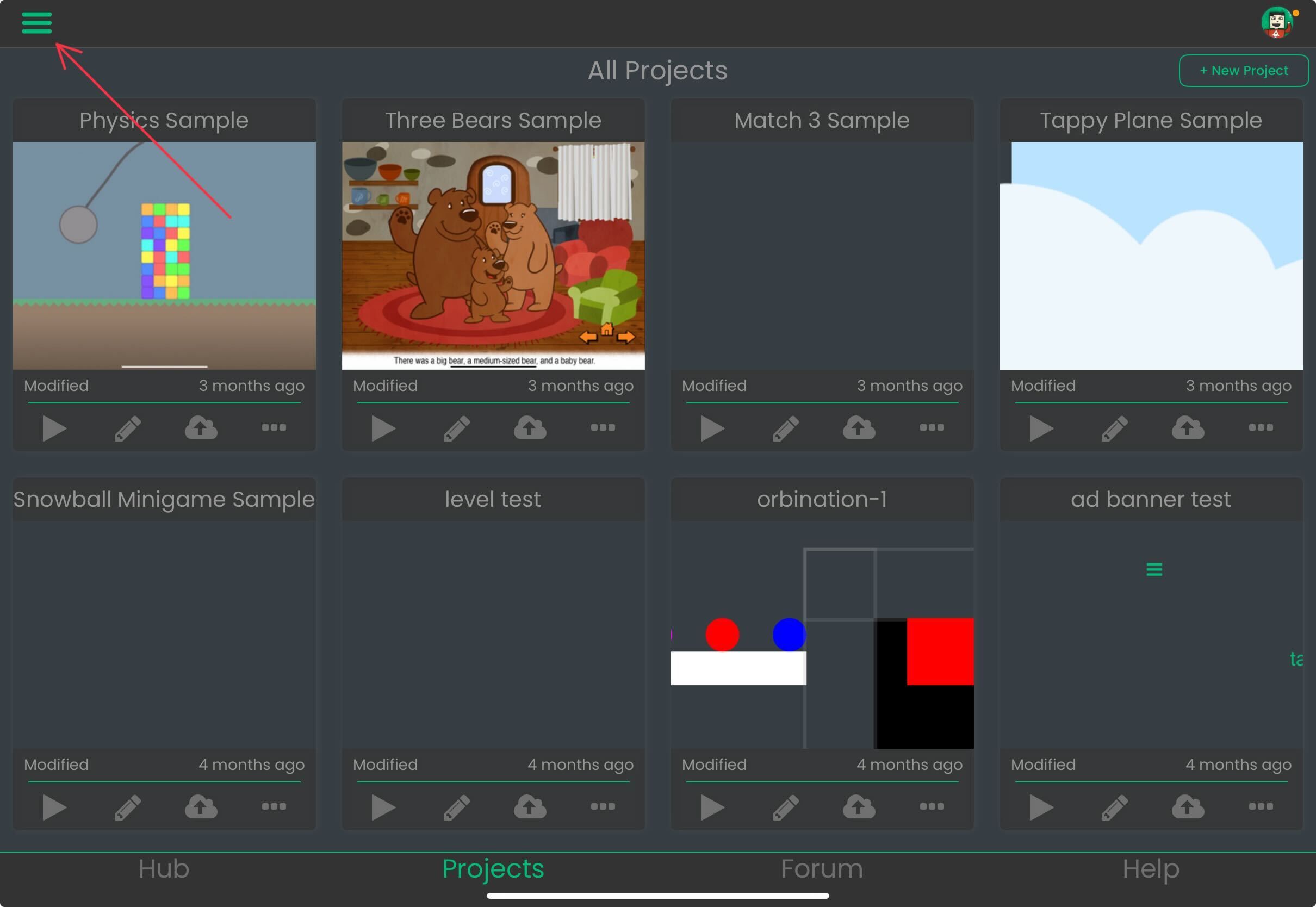
Tap on the hamburger icon on the top left corner of the screen in the projects page.
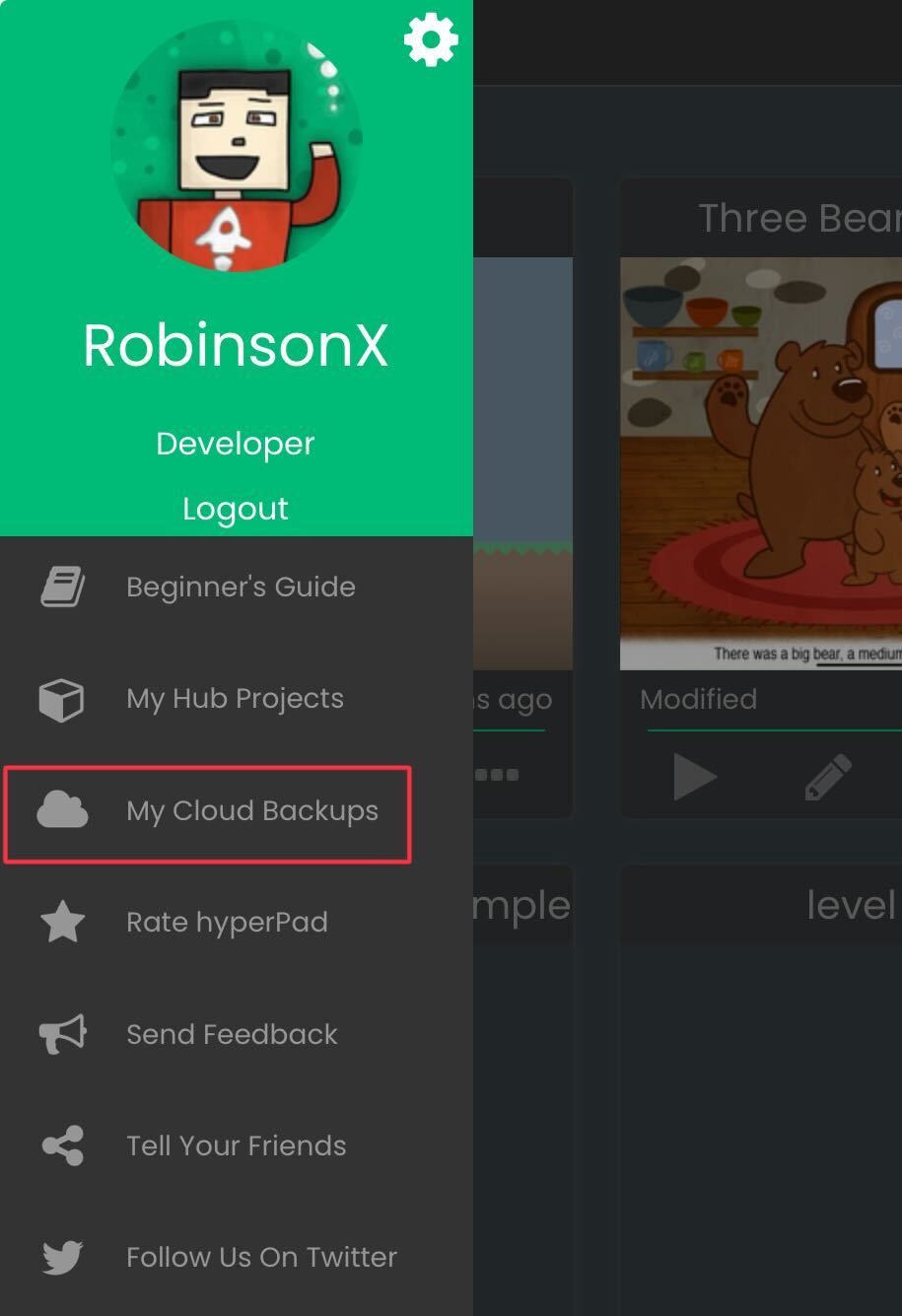
Then tap on My Cloud Backups.
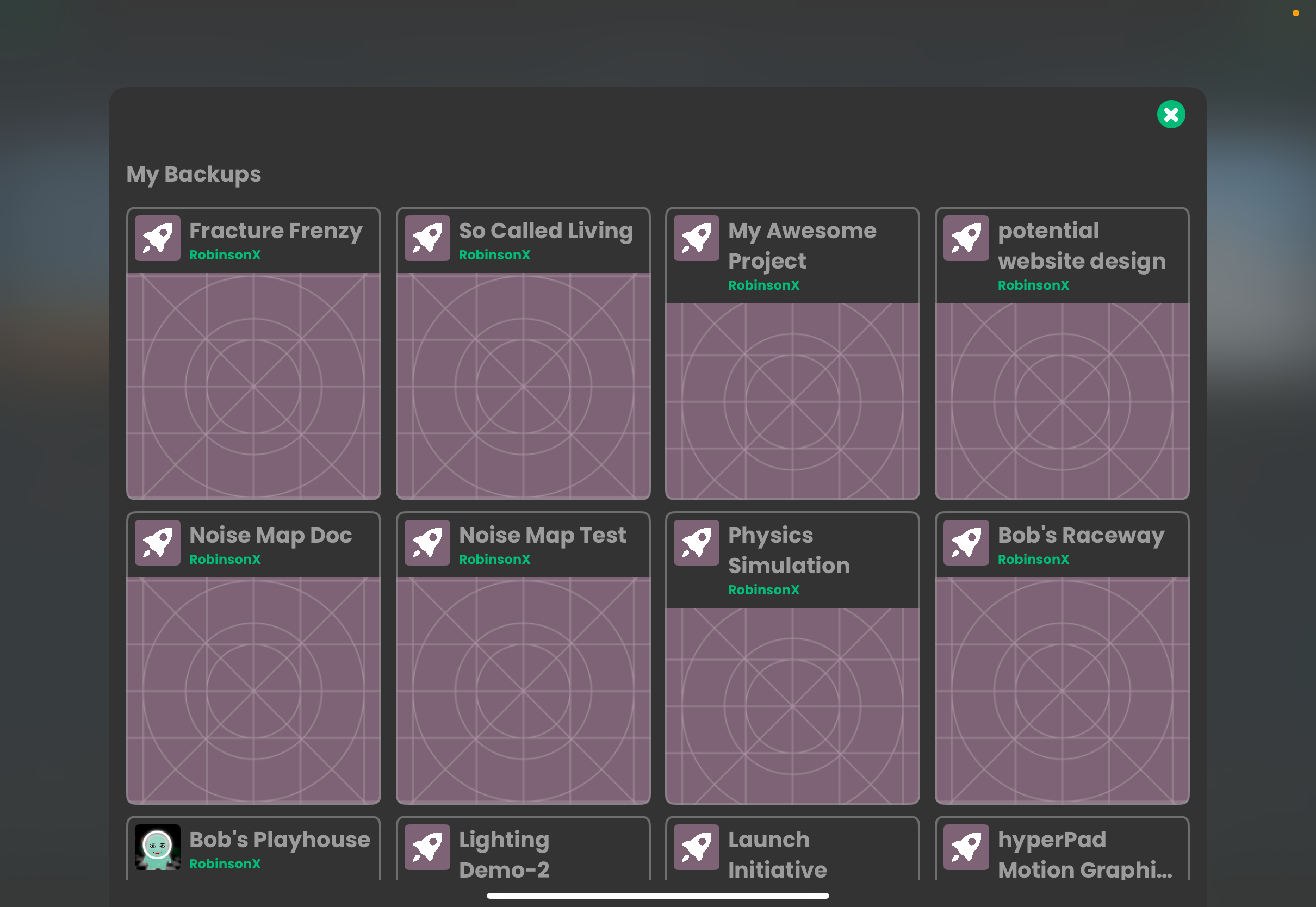
Your cloud backups will be found here for all your projects.
⭐️ It's worth noting that cloud backups only happen when you save and close your project. So make sure you're doing this often!
Let us know if this was helpful and if we should keep sharing user questions! Feel free to contribute your own advice, tips and tricks :)
Have a great day creating games on iPad everyone 💚

Hello! It looks like you're interested in this conversation, but you don't have an account yet.
Getting fed up of having to scroll through the same posts each visit? When you register for an account, you'll always come back to exactly where you were before, and choose to be notified of new replies (either via email, or push notification). You'll also be able to save bookmarks and upvote posts to show your appreciation to other community members.
With your input, this post could be even better 💗
Register Login