
Custom Restrain Areas
-
Hello,
It would be super helpful to have a custom restrain area.
I am trying to make an app, where you can drag an object around.However, when you make an object not passable, you can still drag a different non passable object over other non passable objects
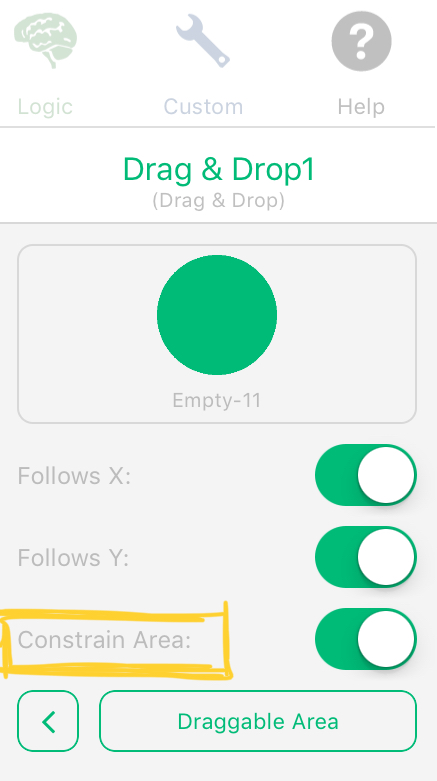
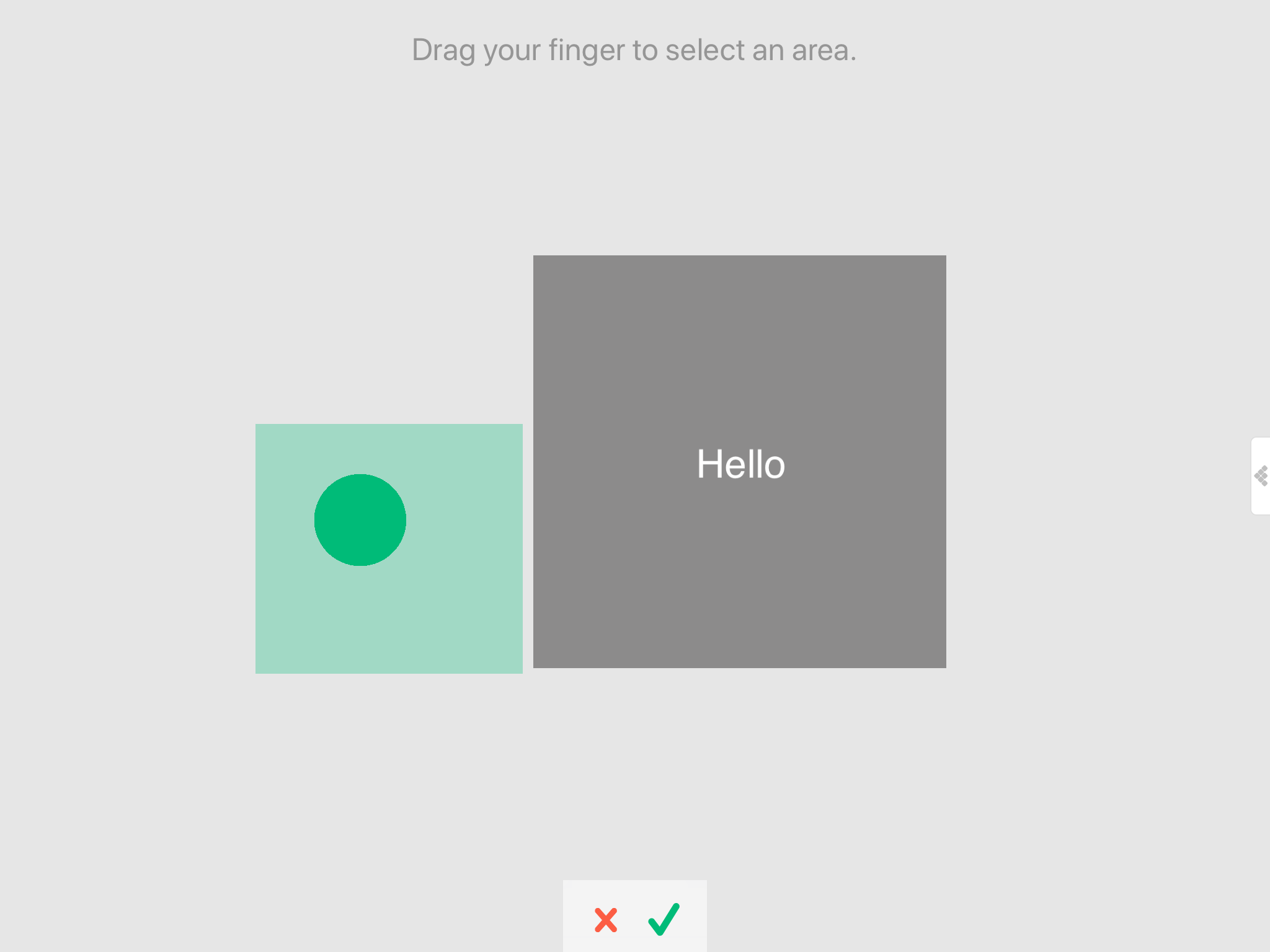
The restrain area is awesome, because you can make a square that you can drag an object in, and if your finger goes out of the area, the object will still follow your finger but stay inside the restrain area.
A custom restrain area would be perfect
-
-
-
@Kamdroid Yeah, I've seen that before. I was wondering if you could make constrained areas with larger polygons instead of rectangles
@davio For having a custom constrain shape, you could try building invisible (or not invisible) wall objects that block your draggable object (dragged object must be physics). I just wonder whether you might run into the issue of squishy physics allowing the object to push through if you drag too far outside the area.
-
@davio For having a custom constrain shape, you could try building invisible (or not invisible) wall objects that block your draggable object (dragged object must be physics). I just wonder whether you might run into the issue of squishy physics allowing the object to push through if you drag too far outside the area.
-
Would be a little tricky, but you could make it non-passable and then use the Ignore Collisions behaviour on every object that it passes through.



Hello! It looks like you're interested in this conversation, but you don't have an account yet.
Getting fed up of having to scroll through the same posts each visit? When you register for an account, you'll always come back to exactly where you were before, and choose to be notified of new replies (either via email, or push notification). You'll also be able to save bookmarks and upvote posts to show your appreciation to other community members.
With your input, this post could be even better 💗
Register Login