Skip to content
  • Categories
  • Recent
  • Tags
  • Popular
  • Users
  • Search
Skins
  • Light
  • Brite
  • Cerulean
  • Cosmo
  • Flatly
  • Journal
  • Litera
  • Lumen
  • Lux
  • Materia
  • Minty
  • Morph
  • Pulse
  • Sandstone
  • Simplex
  • Sketchy
  • Spacelab
  • United
  • Yeti
  • Zephyr
  • Dark
  • Cyborg
  • Darkly
  • Quartz
  • Slate
  • Solar
  • Superhero
  • Vapor

  • Default (No Skin)
  • No Skin
Collapse
hyperPad

hyperPad Forum

  1. Home
  2. Bug Reports
  3. Fixed
  4. Jump behaviour not working

Jump behaviour not working

Scheduled Pinned Locked Moved Fixed
5 Posts 2 Posters 1.4k Views 1 Watching
  • Oldest to Newest
  • Newest to Oldest
  • Most Votes
Reply
  • Reply as topic
Log in to reply
This topic has been deleted. Only users with topic management privileges can see it.
  • KamdroidK Offline
    KamdroidK Offline
    Kamdroid
    wrote on last edited by
    #1

    I noticed that in my old "The Bounce" game, the Jump behaviour doesn't work (presumably due to the new update)?

    https://www.hyperpad.com/projects/9fve27f7

    1 Reply Last reply
    0
    • KamdroidK Offline
      KamdroidK Offline
      Kamdroid
      wrote on last edited by
      #2

      Neither does the "move ball to" behaviour work, when the ball falls off screen it doesn't go back to the starting point.

      Guess I'll try manually fix in a few days, unless this is an easily fixable bug.

      1 Reply Last reply
      0
      • HamedH Offline
        HamedH Offline
        Hamed
        Admin
        wrote on last edited by
        #3

        @Kamdroid there's currently a bug where Point to Meter ratio is 0 on older projects. Simply edit your Point to Meter ratio to be 32 (even though it says 32).

        1 Reply Last reply
        0
        • KamdroidK Offline
          KamdroidK Offline
          Kamdroid
          wrote on last edited by Kamdroid
          #4

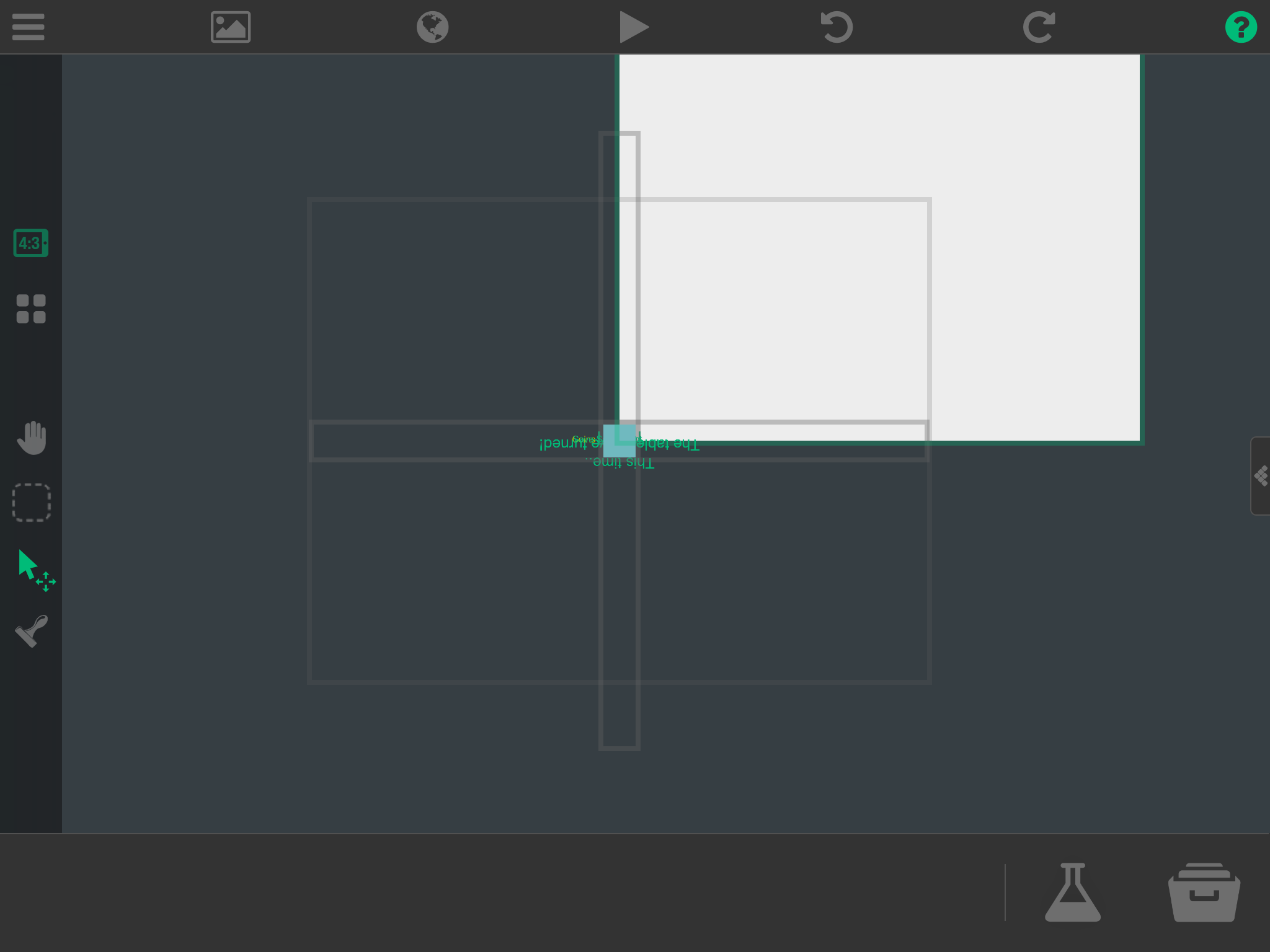
          I thought I'd be nice and fix it before I left. It just completely destroyed my project. Whatever.
          92EDC16A-1CEE-41A0-8BA0-EC890A40FF0E.png

          Link if you wanna try fix it: http://bit.ly/300xRA4

          See you soon.

          1 Reply Last reply
          0
          • HamedH Offline
            HamedH Offline
            Hamed
            Admin
            wrote on last edited by
            #5

            Here you go: http://bit.ly/34Wxoi2

            1 Reply Last reply
            0

            Hello! It looks like you're interested in this conversation, but you don't have an account yet.

            Getting fed up of having to scroll through the same posts each visit? When you register for an account, you'll always come back to exactly where you were before, and choose to be notified of new replies (either via email, or push notification). You'll also be able to save bookmarks and upvote posts to show your appreciation to other community members.

            With your input, this post could be even better 💗

            Register Login
            Reply
            • Reply as topic
            Log in to reply
            • Oldest to Newest
            • Newest to Oldest
            • Most Votes


            • Login

            • Login or register to search.
            • First post
              Last post
            0
            • Categories
            • Recent
            • Tags
            • Popular
            • Users
            • Search
