
I lost my code
-
Can you please elaborate what is going on?
Here are some common things I can think of:
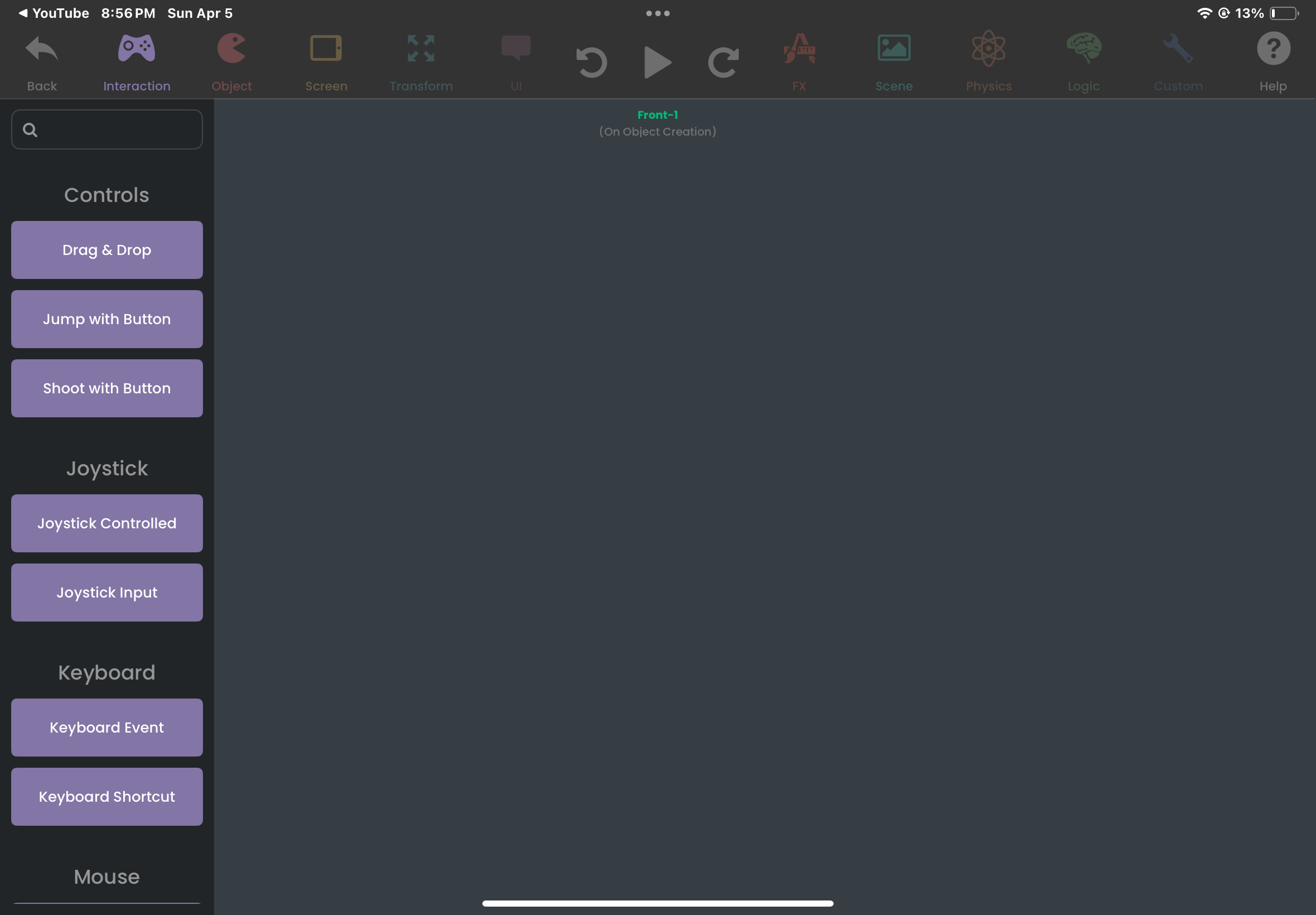
- You are editing behaviors in an object, and you scrolled very far from where the behaviors are and you can't find them --> Solution: Double tap with two fingers to return to the original position.
- You lost the object where your code is --> Solution: Unfortunately, there's no way to search for behaviors in the scene editor. You will have to manually search through the objects to find your code. A good tip is to put your behaviors in labels and title them accordingly.
- Your project has gone --> Solution: Click on the three lines on the top left in the projects menu. Go to
My Cloud Backupsand see if your project has a backup.
-
Can you be more specific on what you mean? Is it just a specific objects behaviours that are gone? Or your entire project is blank? If you run the project does it still behave like normal?
To help you better we need more information, this will help us track down any bugs if thats the case.
Also, if you have cloud backups enabled for your project you should be bale to download a previous version and get back to creating.
-
Can you please elaborate what is going on?
Here are some common things I can think of:
- You are editing behaviors in an object, and you scrolled very far from where the behaviors are and you can't find them --> Solution: Double tap with two fingers to return to the original position.
- You lost the object where your code is --> Solution: Unfortunately, there's no way to search for behaviors in the scene editor. You will have to manually search through the objects to find your code. A good tip is to put your behaviors in labels and title them accordingly.
- Your project has gone --> Solution: Click on the three lines on the top left in the projects menu. Go to
My Cloud Backupsand see if your project has a backup.
Actually for number 2, I have found a work around considering I misplace a lot of code. There is actually a way to search for behaviors in an object, and which object they’re in. If you place a “Set Behavior State” behavior, you can type in the name of your behavior through there and it will come up. As long as you remember what you’ve labeled it as, this can function as a make-shift search engine without taking hours of manual searching.
Set Behavior State is used to disable, enable, or execute behaviors, which means every behavior in your entire scene is listed there in alphabetical order. However, if you’ve deleted code or deleted an object, there is no way to recover this unless you have a cloud backup.
That’s why I have gotten in the habit of exporting my project’s file manually, either to another device or my Files app. This serves as a permanent backup that will immediately sync to your missing project with all files intact. It’d be even better if you place it in an iCloud folder.
Maybe in the future though, the search programming for Set Behavior State may be added to the main scene editor.


Hello! It looks like you're interested in this conversation, but you don't have an account yet.
Getting fed up of having to scroll through the same posts each visit? When you register for an account, you'll always come back to exactly where you were before, and choose to be notified of new replies (either via email, or push notification). You'll also be able to save bookmarks and upvote posts to show your appreciation to other community members.
With your input, this post could be even better 💗
Register Login