
How to import SpriteSheets and their plist?
-
So here are the steps I took:
-
Import one of the images. It will have a graphic label in the assets library.
-
Press and hold the graphic. Tap on Add animation.
-
Since each image is 256 x 256 px, this means you can only select 8 images (Max 2048 x 2048 px).
-
create a name for your your animation and press save.
This creates a sprite sheet with your 8 images.
If you wanted all 40 of the images, aim for 51px per image
-
-
So here are the steps I took:
-
Import one of the images. It will have a graphic label in the assets library.
-
Press and hold the graphic. Tap on Add animation.
-
Since each image is 256 x 256 px, this means you can only select 8 images (Max 2048 x 2048 px).
-
create a name for your your animation and press save.
This creates a sprite sheet with your 8 images.
If you wanted all 40 of the images, aim for 51px per image
-
-
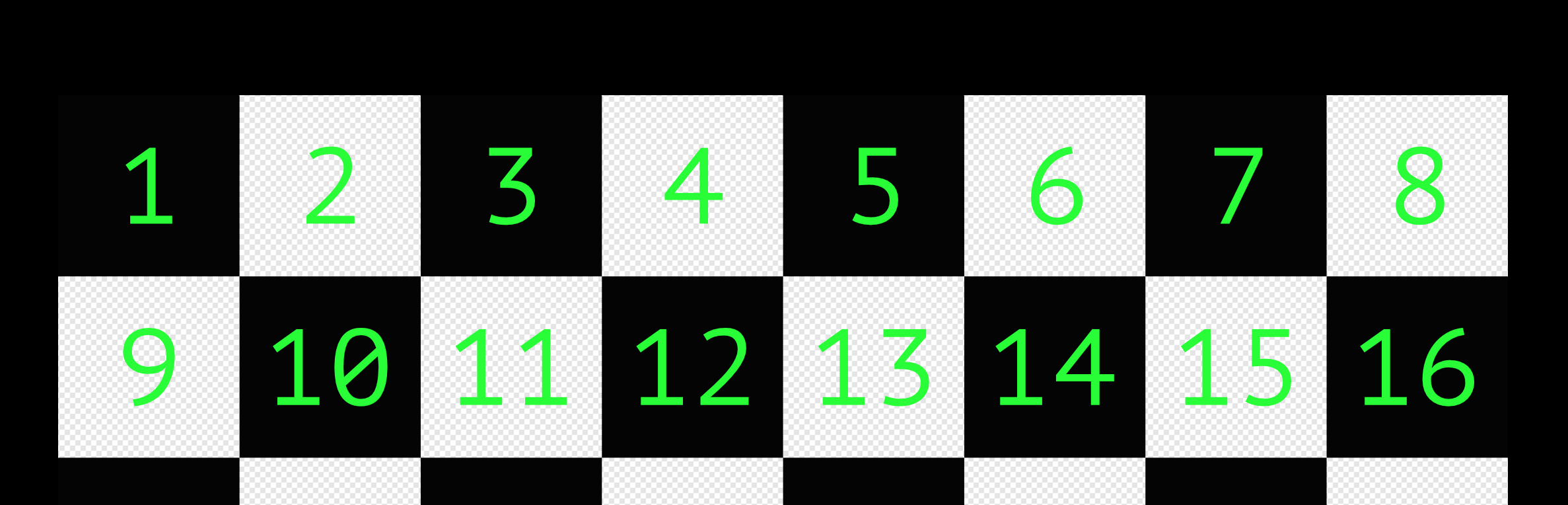
Oh i see the confusion. Its not actually multiplying 2048 and 2048. Your final image must be less than 2048 on the x direction and 2048 in the y direction.



Hello! It looks like you're interested in this conversation, but you don't have an account yet.
Getting fed up of having to scroll through the same posts each visit? When you register for an account, you'll always come back to exactly where you were before, and choose to be notified of new replies (either via email, or push notification). You'll also be able to save bookmarks and upvote posts to show your appreciation to other community members.
With your input, this post could be even better 💗
Register Login