Skip to content

Help and Support

685 Topics 4.7k Posts

Ask Questions about hyperPad or provide cool tips and tricks to other users.

  • Kick action with physic

    2
    0 Votes
    2 Posts
    122 Views
    KrystalYeeK
    @MrAeon1111 said in Kick action with physic: Hello, I just started a project and I would like to know if you can help me. I would like to be able to kick an object. Can you show me how to do that? I have just no clue what to use. Just a 2-D character walking down and kicking object with physics. Thank you very much Yes, you can do this in hyperPad. The idea is simple: make both the player and the object use physics, then apply a force to the object when the kick happens. 1. Make the objects use physics Select the object you want to kick. Add the behavior Make Physics. Do the same for the player character if you want realistic interaction. When an object is a physics object it reacts to gravity, collisions, and forces in the scene. Physics objects can collide with other physics or wall objects, which is what lets things be pushed or kicked. 2. Detect when the kick hits the object Add the behavior Collision Event to the player. Settings: Object A: Player Object B: The object you want to kick Event type: Started Colliding This behavior triggers when two objects start touching. 3. Apply force to simulate the kick After the Collision Event, add: Apply Force or Propel Object (from the Physics behaviors). Set: Object: the object being kicked Direction: left/right based on your character direction Strength: adjust until it feels right The hyperPad physics engine will handle the movement and collisions automatically. 4. Optional improvements You can tweak physics properties to change how the kick feels: Mass (heavier objects move less) Friction Bounce These can be changed with Set Physics Property. Let me know if this helps! You can learn all about this on the hyperPad documentation: https://documentation.hyperpad.com/hc/en-us
  • This topic is deleted!

    2
    1
    0 Votes
    2 Posts
    1 Views
  • how the freak do you crop images that you import as graphics

    2
    0 Votes
    2 Posts
    153 Views
    MurtazaM
    Can you be more specific on how you cropped your image? hyperPad has a limited built in image editor that has a crop feature. You can import a graphic, then in the asset library press and hold to bring up the menu, and then select "Edit Graphic" then on the left hand side select the crop tool. If you used an app outside of hyperPad, make sure the image you cropped is saved, and you have imported it into hyperPad AFTER you have made any edits in what ever tool you're using.
  • How to make checkpoints?

    7
    3
    0 Votes
    7 Posts
    427 Views
    FranjipangF
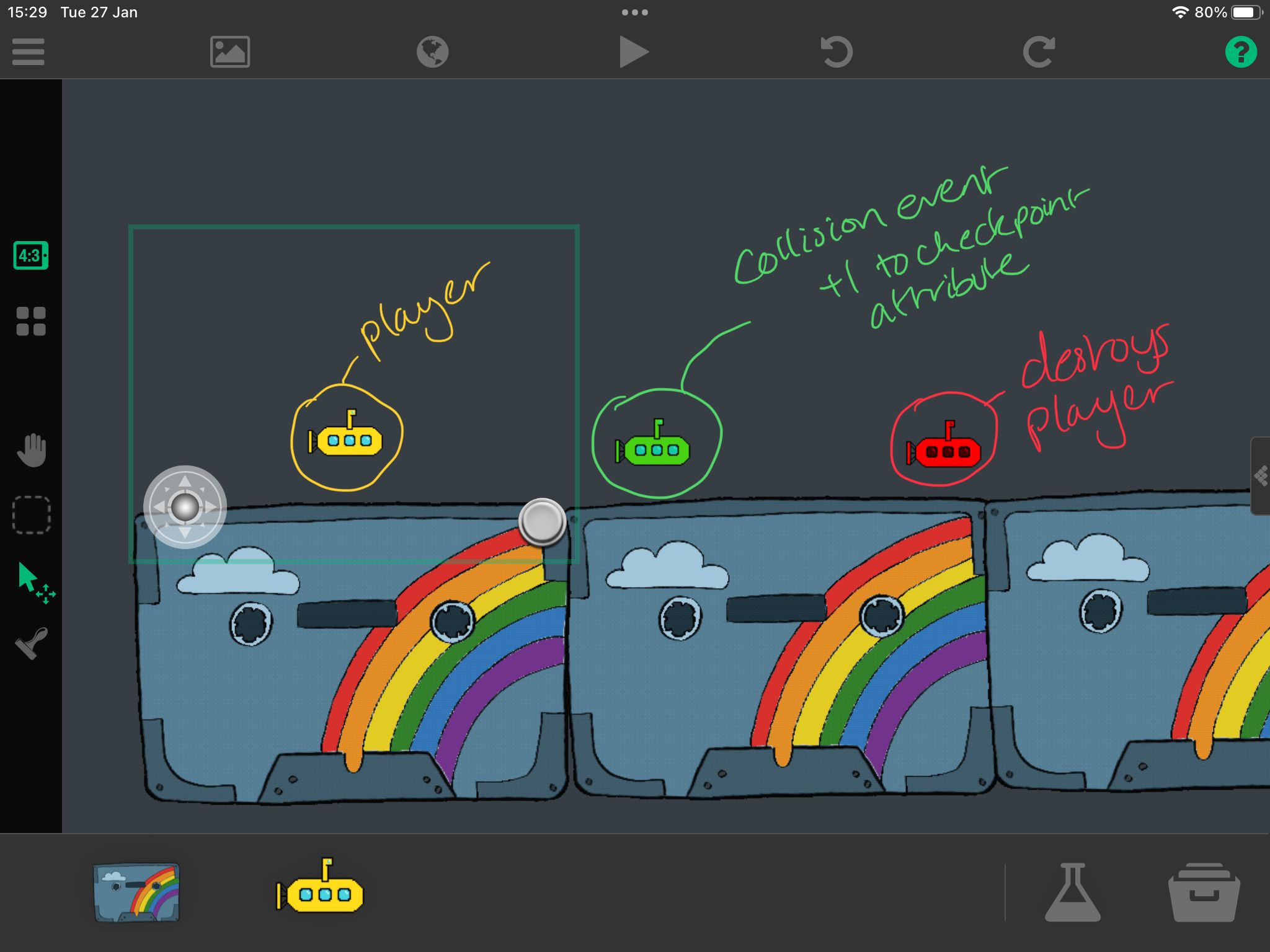
    @RobinsonX yoooo thank you so much! This has worked perfectly :)
  • THE FIRST PLAY AWARD

    6
    4
    1 Votes
    6 Posts
    313 Views
    MurtazaM
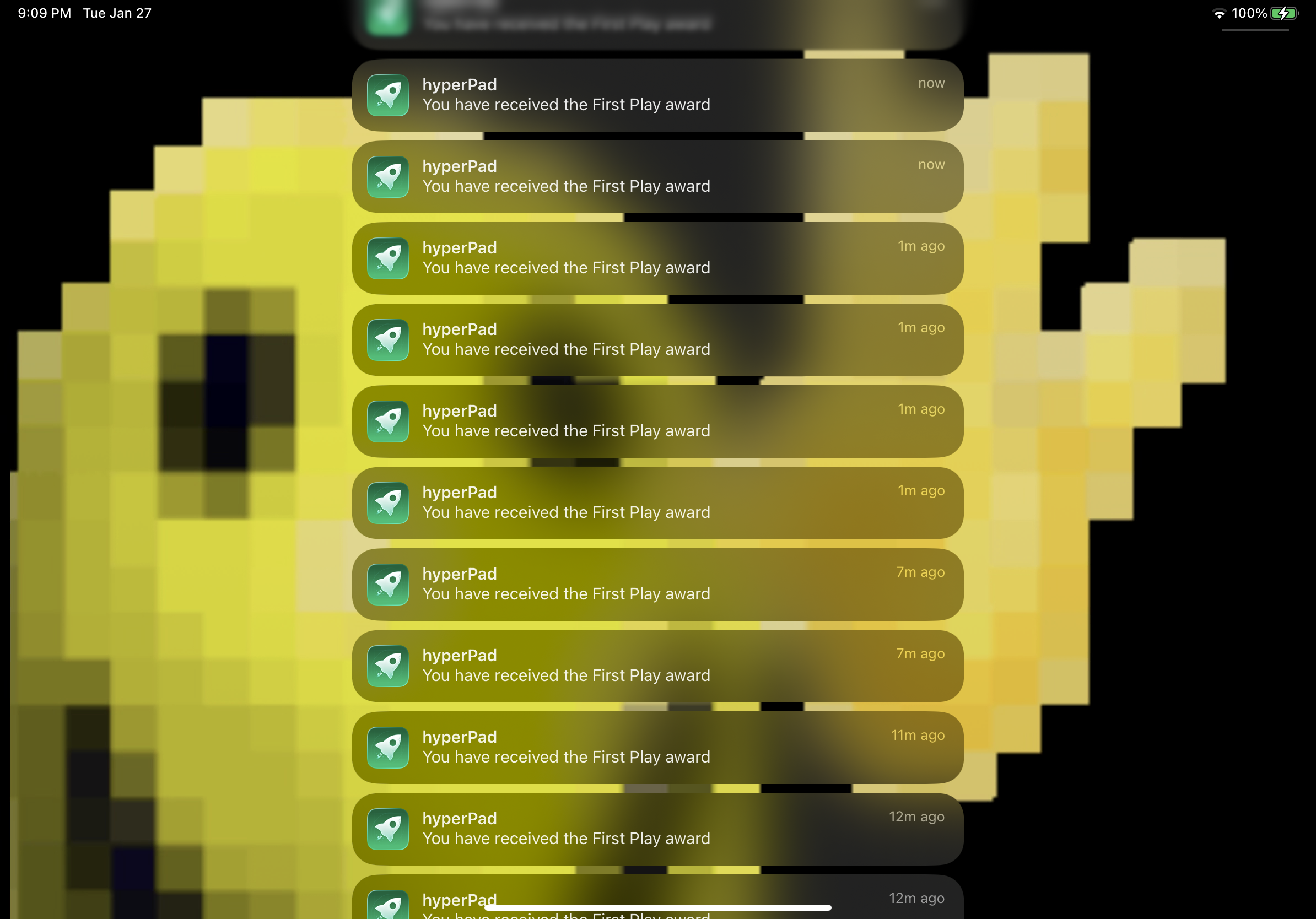
    @Bryce678 Yes there is currently a bug in how rewards are treated. It should only be giving it to you the first time you earn it. However, it is giving it for every instance.
  • How to make a splash screen intro in hyperpad

    2
    0 Votes
    2 Posts
    236 Views
    RobinsonXR
    @Ethan-D This is late but for those who still are interested in how you can achieve this, you can use transform behaviors (the cyan behaviors) such as Move By, Scale To, and Rotate to Angle. You can use a combination of these behaviors to make your logo move, scale, and rotate. You can also fade its opacity by using Set Color. For a simple fade in effect, you can set the object's opacity to be 0% so that it is completely transparent. Then in the behaviors, you can place a Set Color behavior to make it change to white with full opacity over time. A lot of this is knowing how the behavior system works, so I recommend watching YouTube videos from the hyperPad YouTube channel to get a grasp on it. You'll be able to customize exactly how your logo animates by using transform behaviors and some other behaviors.
  • Why is the app telling me to download editor?

    3
    0 Votes
    3 Posts
    334 Views
    MurtazaM
    @Lorebound-Labs Also, note that the hyperPad editor apps are only available on iPad and Mac. Not for iPhone. So if you're using the hyperPad Hub app on iPhone, you wont find the editor there.
  • 0 Votes
    5 Posts
    562 Views
    mr_monkeyM
    @NeilSenn alr thx
  • How To Make a Game on iPad with hyperPad

    1
    2 Votes
    1 Posts
    618 Views
    No one has replied
  • How can I make ragdoll?

    4
    0 Votes
    4 Posts
    419 Views
    RobinsonXR
    @MoonSJ Make sure the objects don't have a gap at the time of attaching them. Also, in the Pivot Attach behavior, you can choose the anchor point - use this to define where the "joint" will be. The screenshot below shows me selecting an object and then moving the anchor point to where the attachment will roughly be. I also recommend turning off Attachments Collide so you don't get weird jiggly physics. [image: 3569655a-3bfe-459d-9dfa-b85b0b7a02b3.jpeg]
  • How to publish game.

    16
    2 Votes
    16 Posts
    2k Views
    MurtazaM
    @Eric726 Great glad to hear it! And thanks for letting us know, this helped us track down an issue with user accounts that we're sorting out.
  • need help please…

    2
    0 Votes
    2 Posts
    253 Views
    Eric726E
    [image: f0dc4793-727f-43fa-8d7b-32928f79e2c1.jpeg] FYI
  • Game Version

    3
    0 Votes
    3 Posts
    417 Views
    MurtazaM
    The main limitation between starter and the paid version is the amount of projects you can create. You shouldn't be limited by cloud back ups, rather the amount of new projects you can make. If you can't create more than one project let me know, as that sounds like some sort of bug. Also, when you have both apps on one iPad it can do weird things with your user account, so we don't recommend having both at the same time. This could confuse how your profile is treated. Which is probably why you're seeing a limitation with cloud backups.
  • Persistence between scenes

    2
    2 Votes
    2 Posts
    310 Views
    RobinsonXR
    @autumnsworld Yes! You are referring to the Modify Save File and Load from Save File behaviors. You can persist values in between plays using those behaviors. Modify Save File: Select a key (location) to save a value. You can also use this behavior to delete a key. Load from Save File: Select the key to load that value. If the key does not exist, it will output the default value. Let me know if you need more information.
  • I can see the behavior collided do I need to play?

    3
    1 Votes
    3 Posts
    2k Views
    MurtazaM
    @AMIR-GAMES As @NeilSenn says, there are no restrictions to behaviours available in the free Starter version, or the paid version of hyperPad. All behaviours are available to all users. Especially one as critical to game development as collision detection. We have gone through a series of updates and changed names of behaviours, so if you look at old tutorials or videos, you may see the behaviours by different names. In this case, the "Collided" behaviour is now called "Collision Event"
  • Blurry Pixel Art (SOLVED BY SELF)

    2
    0 Votes
    2 Posts
    479 Views
    MurtazaM
    Yup as you found, you have to disable anti-aliasing in the asset library. What anti aliasing does is smooth edges. For non pixel art graphics, this is a good thing.
  • Proper chain for applying and power-up and turning it off

    5
    2 Votes
    5 Posts
    786 Views
    NeilSennN
    @versioneight P.S. you might want to have a tag for bullet collisions specifically. Found out the hard way things get screwy if you start trying to use the same tags for more than one function
  • Is there a way to have two audio tracks playing at the same time?

    7
    1 Votes
    7 Posts
    1k Views
    RobinsonXR
    @themerpygirl There's a bug with duplicated behaviors (fixed in the beta). Try placing down a Behavior Bundle and connect it to those two behaviors so both of them can trigger on start.
  • Xcode project is ready

    2
    0 Votes
    2 Posts
    358 Views
    MurtazaM
    For that past little while our XCode exporter has been broken. It was just fixed, and the emails are automatically going out from before. So you must have selected "Export For The App Store" in the project menu some time in the past little while. You must be running the latest version of XCode, if you are having issues with that part of it I suggest searching XCode documentation. We do have some documentation on exporting: some of it is out of date (due to apple changes), but for the most part it still applies or may require some slight adjustments. https://hyperpad.zendesk.com/hc/en-us/categories/200163049-Publishing As for wanting an app that can be played immediately on any device, easiest way is to just run it within hyperPad/ use the viewer app. This XCode project is for submitting to the Apple App store.
  • Is it possible to make a level editor in HyperPad games?

    3
    2 Votes
    3 Posts
    993 Views
    HiStudiosOFFICALH
    Yes is it possible because I can make level editors and they work just fine no bugs if it doesn’t work I just check if I forgot anything and it’s normally if I forgot a behavior